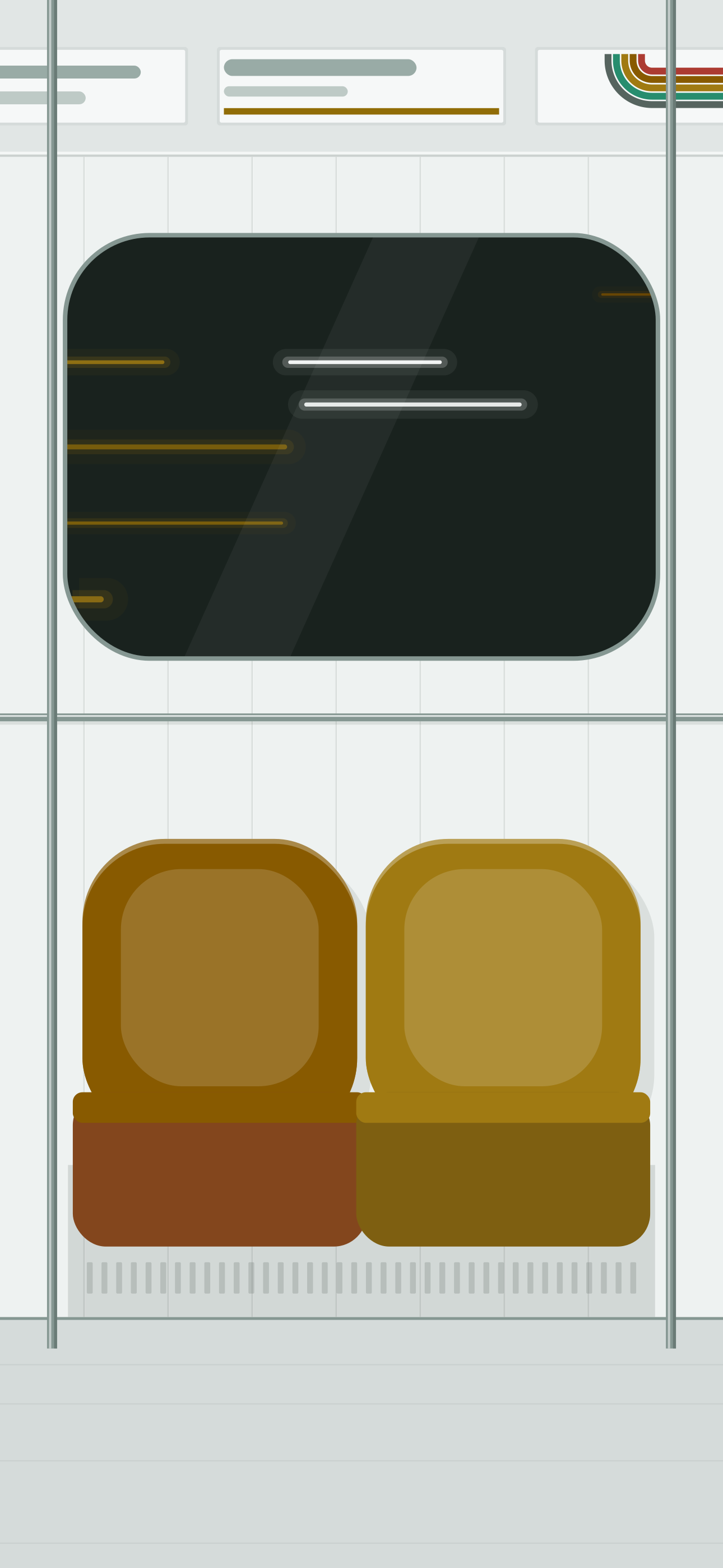
Desktop
Wallpapers
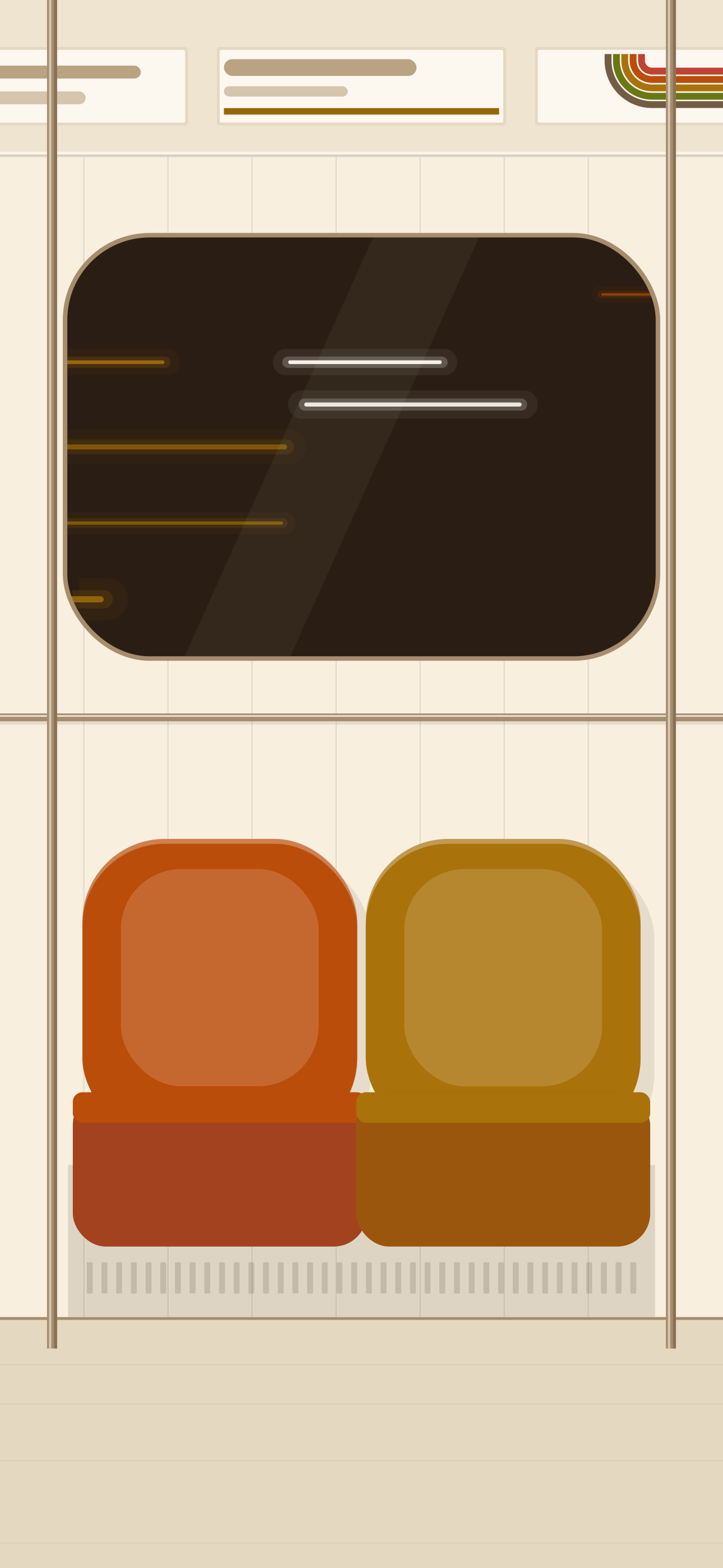
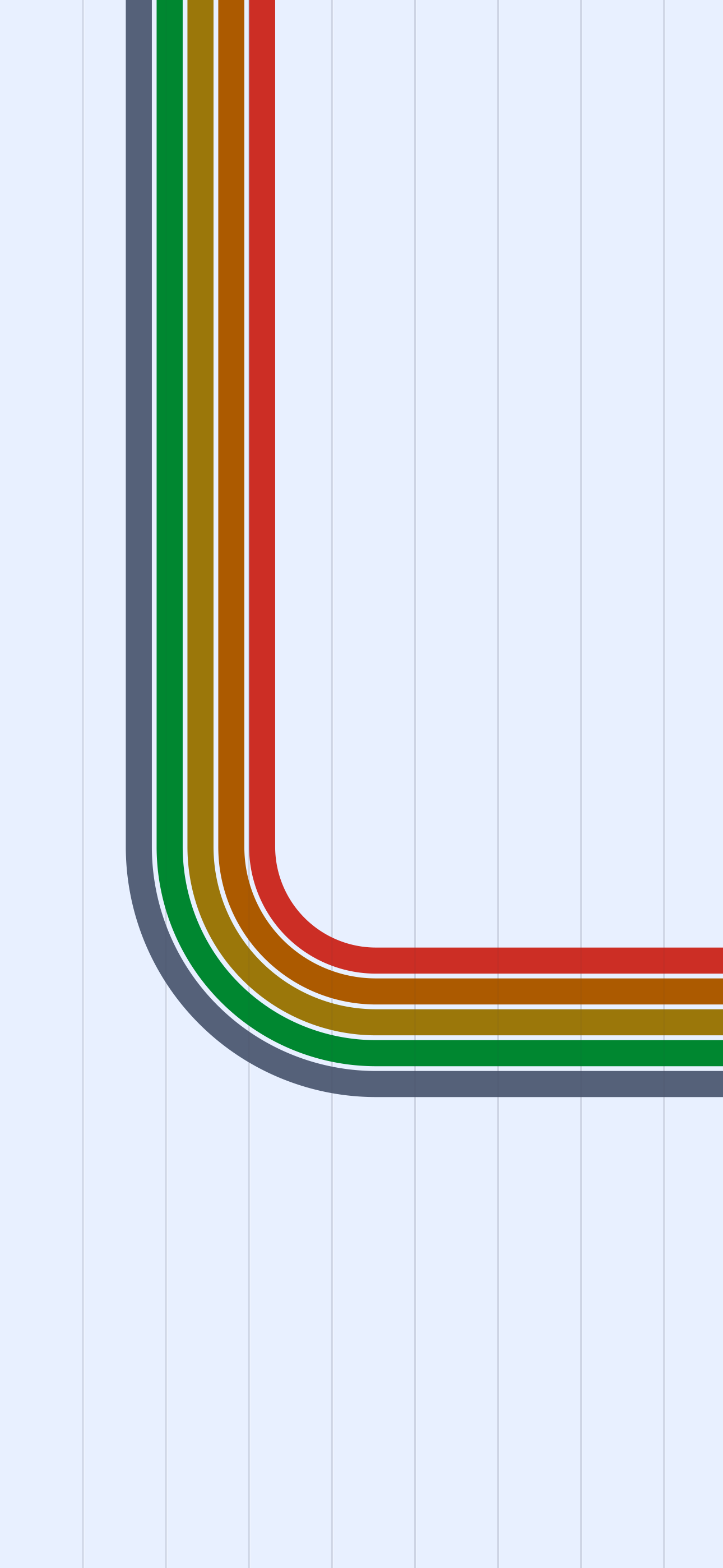
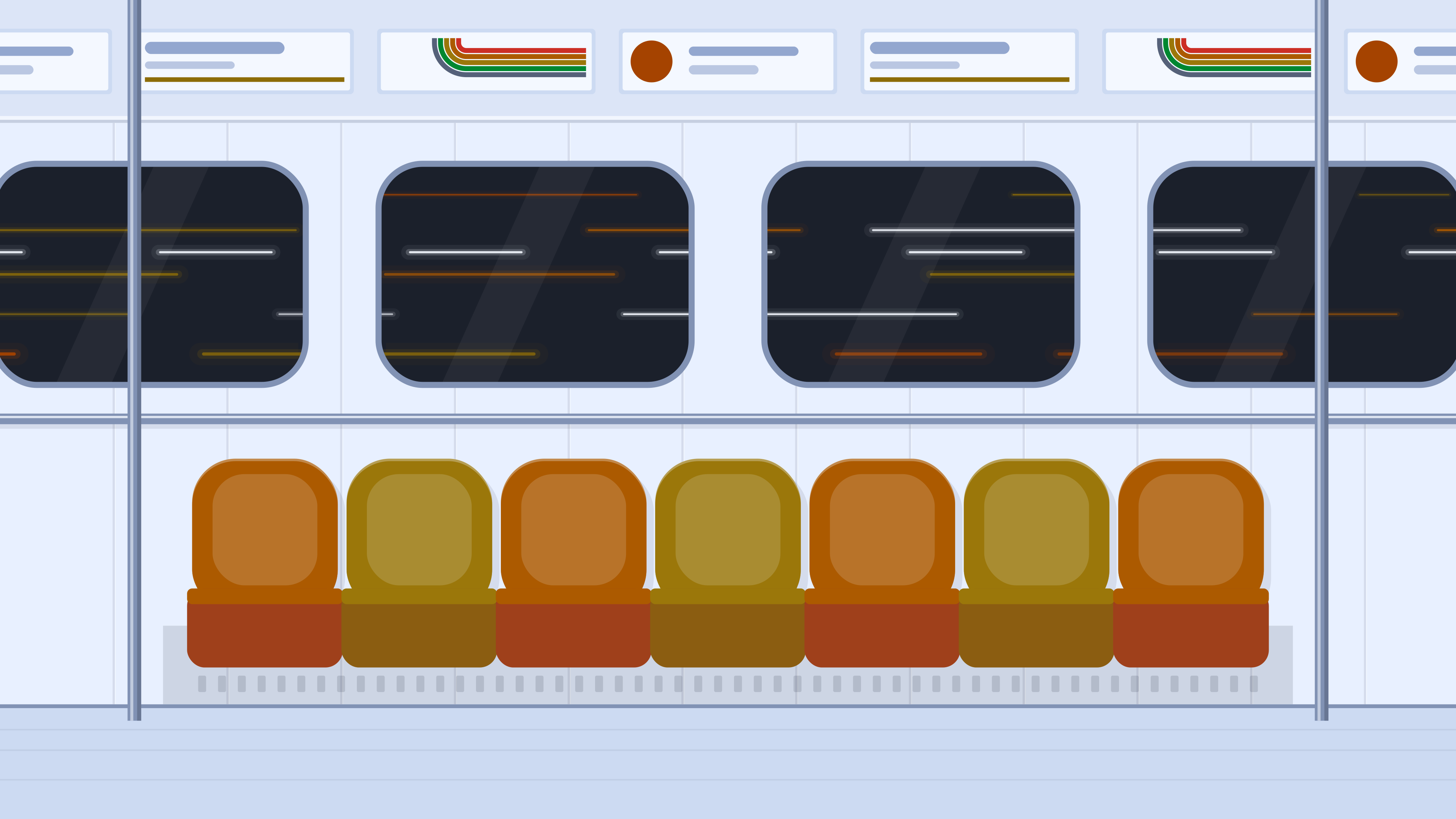
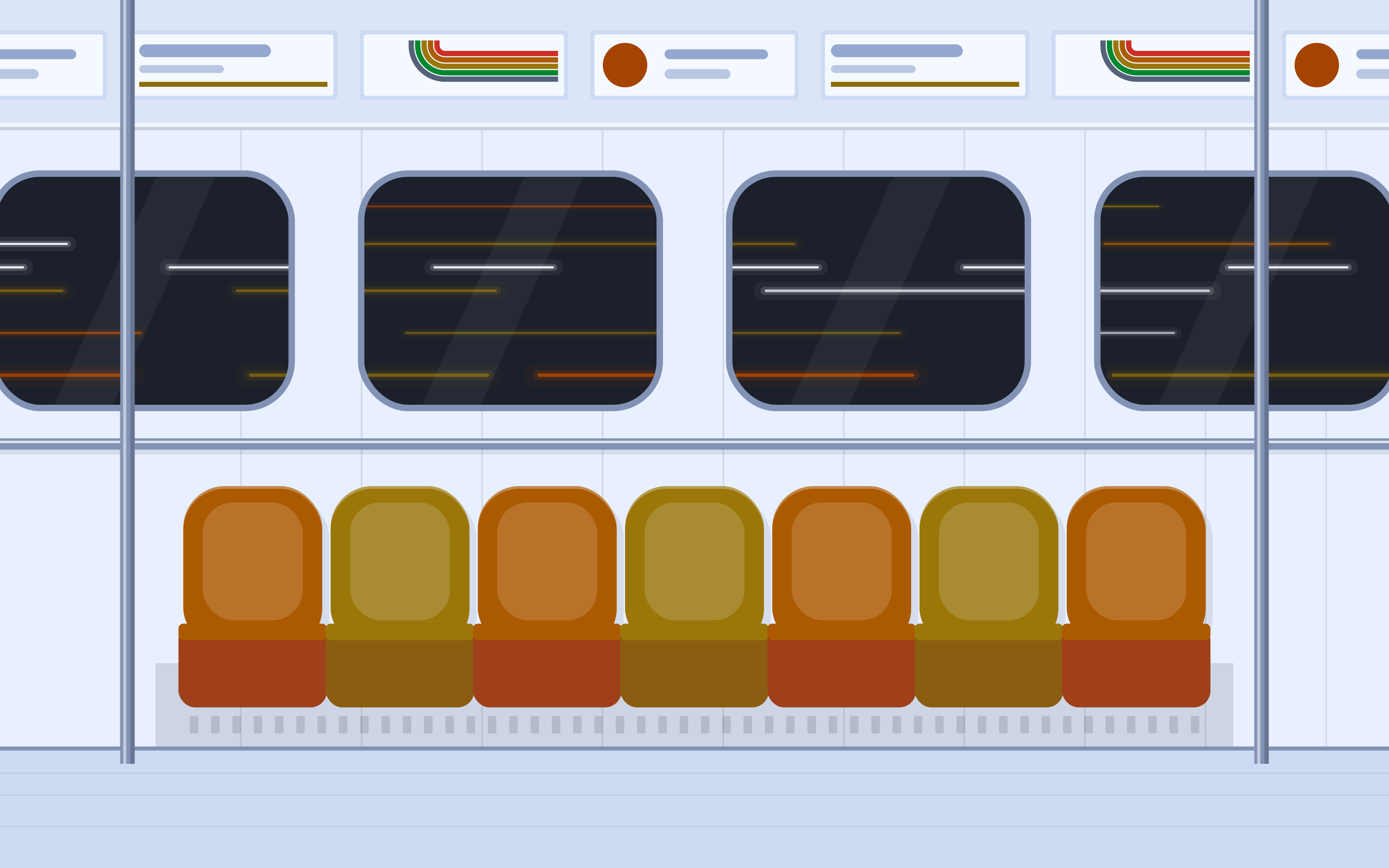
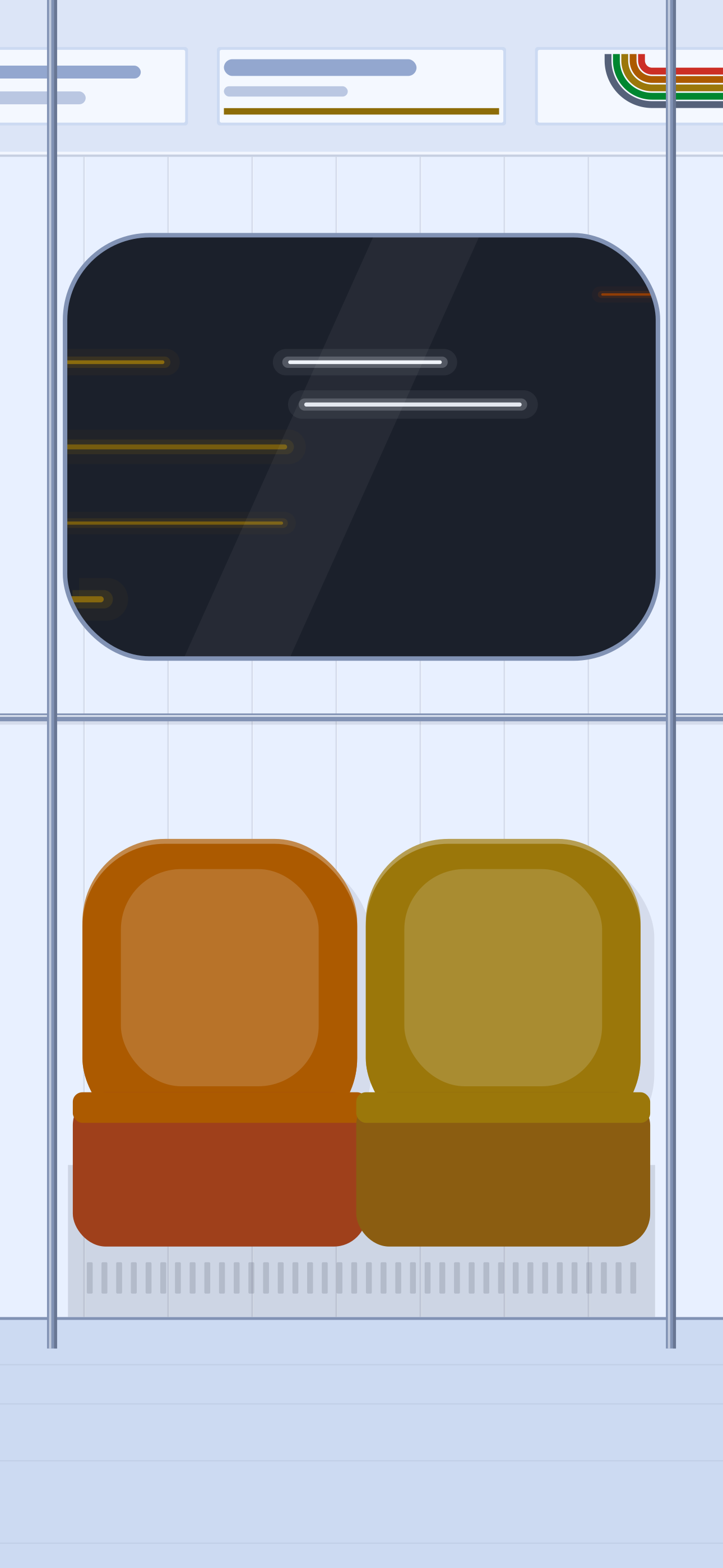
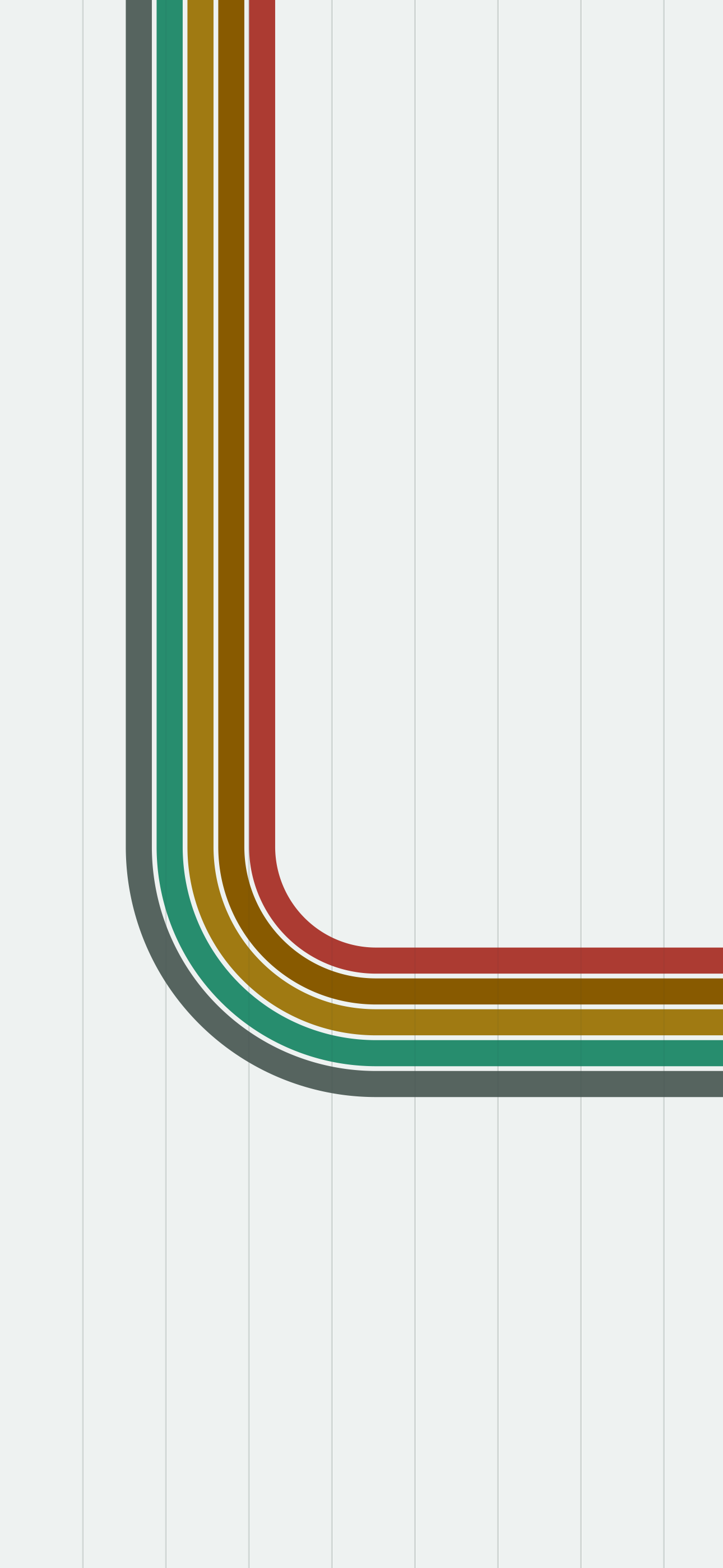
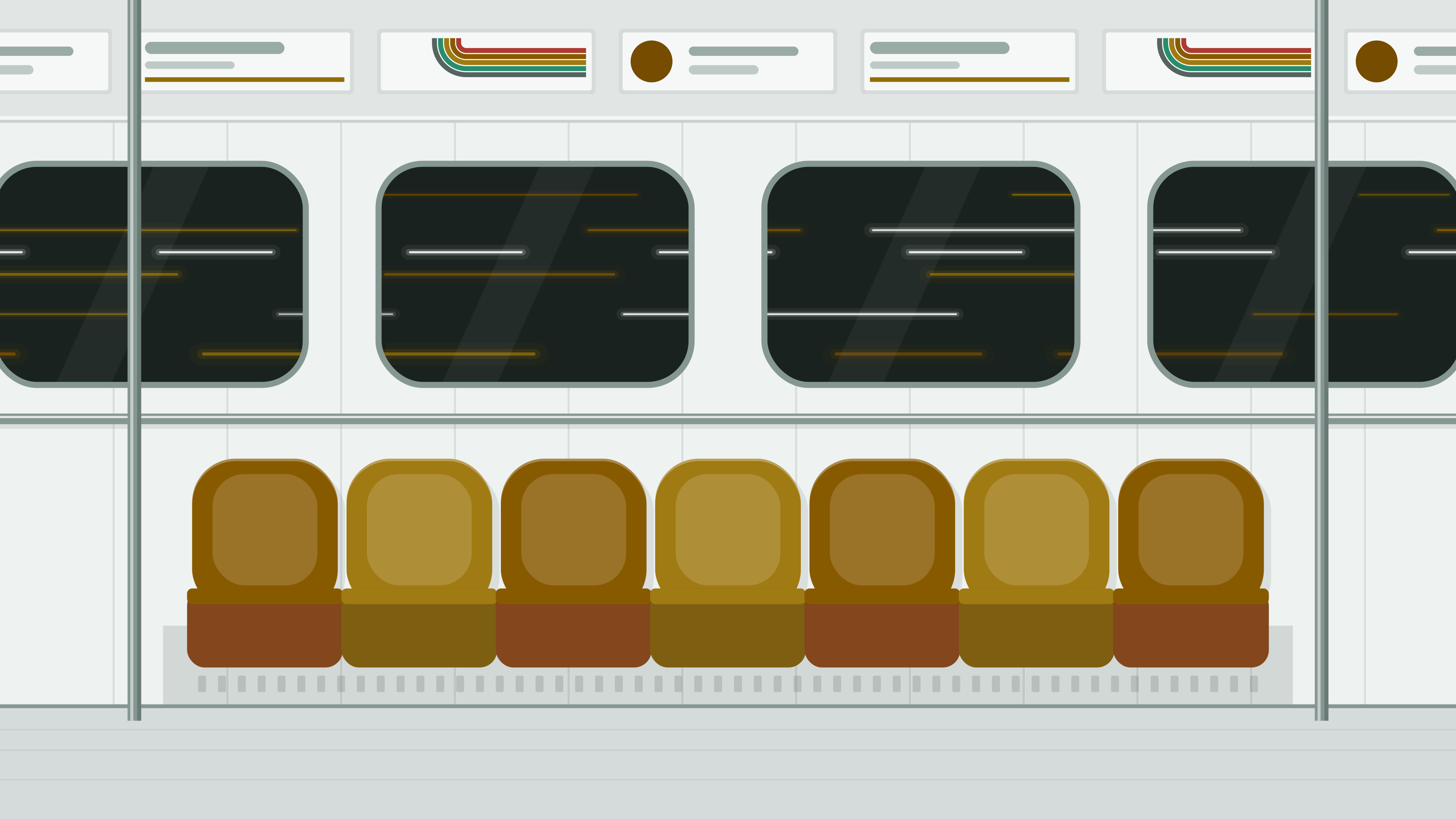
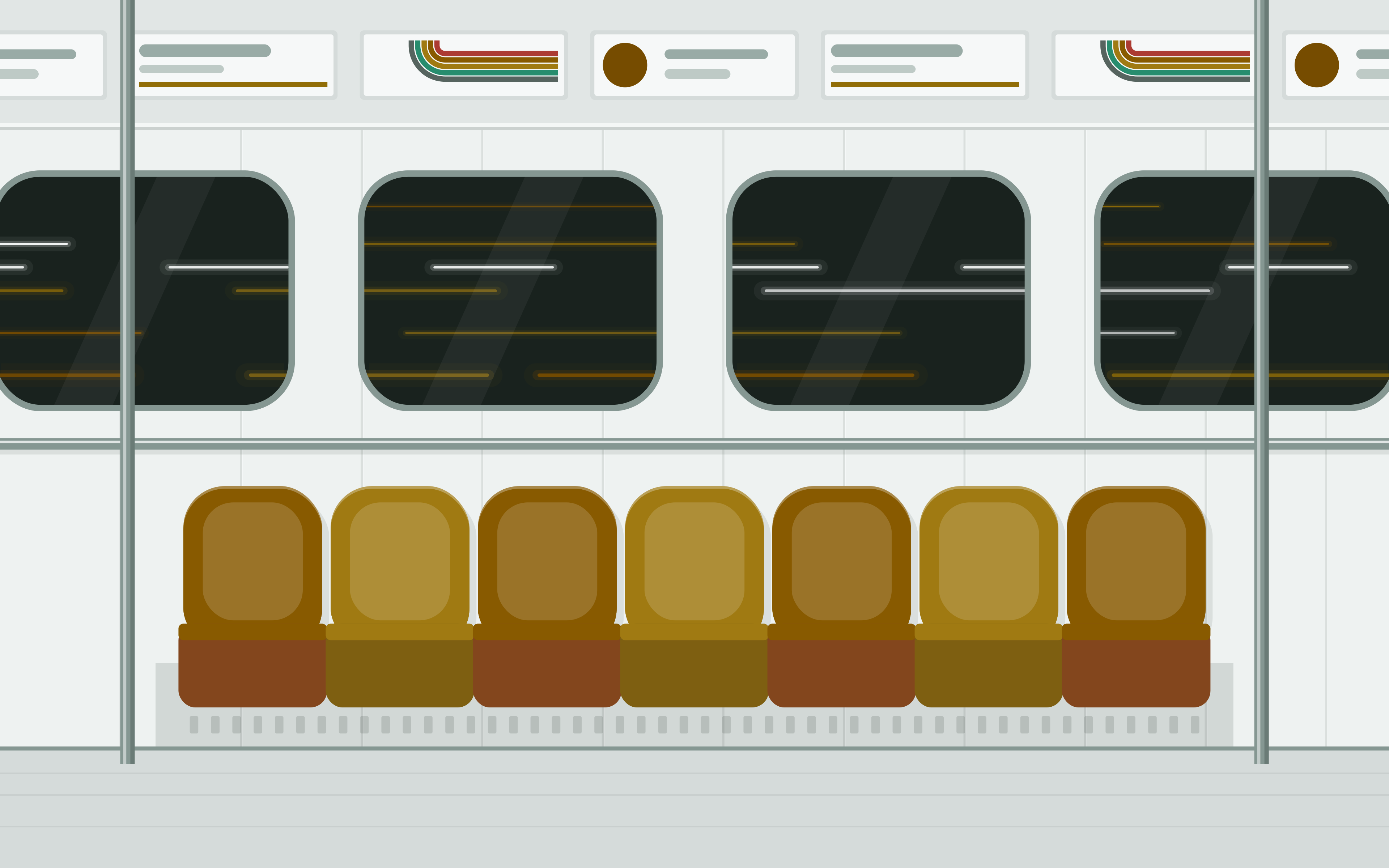
Two flat scenes in each flavor: the supergraphic stripes on walnut paneling, and a row of orange and gold bucket seats under the tunnel lights. SVGs at 16:9, 16:10 and phone size; PNGs at 5K, 4K, 2560×1600 and 1290×2796 are in assets/wallpapers. macOS needs a PNG.
Showing WalnutTunnelEnamelMoquetteDeep LevelPortlandGuimardCatacombesCarrelage. Switch flavors with the bullets up top.
Wallpapers Report a problem with this portReport a problem with this portReport a problem with this portReport a problem with this portReport a problem with this portReport a problem with this portReport a problem with this portReport a problem with this portReport a problem with this port
The quick way
The installer sets it up for you, then tells you the one thing it can't do. More ways to install
curl -fsSL https://oddurs.github.io/subway-seat/install.sh | sh -s -- --flavor walnut --only wallpapers
curl -fsSL https://oddurs.github.io/subway-seat/install.sh | sh -s -- --flavor tunnel --only wallpapers
curl -fsSL https://oddurs.github.io/subway-seat/install.sh | sh -s -- --flavor enamel --only wallpapers
curl -fsSL https://oddurs.github.io/subway-seat/install.sh | sh -s -- --flavor moquette --only wallpapers
curl -fsSL https://oddurs.github.io/subway-seat/install.sh | sh -s -- --flavor deep --only wallpapers
curl -fsSL https://oddurs.github.io/subway-seat/install.sh | sh -s -- --flavor portland --only wallpapers
curl -fsSL https://oddurs.github.io/subway-seat/install.sh | sh -s -- --flavor guimard --only wallpapers
curl -fsSL https://oddurs.github.io/subway-seat/install.sh | sh -s -- --flavor catacombes --only wallpapers
curl -fsSL https://oddurs.github.io/subway-seat/install.sh | sh -s -- --flavor carrelage --only wallpapers
Turn it on
# GNOME
gsettings set org.gnome.desktop.background picture-uri "file://$HOME/Pictures/Subway Seat/subway-seat-stripes-16x10.svg"
gsettings set org.gnome.desktop.background picture-uri-dark "file://$HOME/Pictures/Subway Seat/subway-seat-stripes-16x10.svg"
# KDE Plasma
plasma-apply-wallpaperimage "$HOME/Pictures/Subway Seat/subway-seat-stripes-16x10.svg"# GNOME
gsettings set org.gnome.desktop.background picture-uri "file://$HOME/Pictures/Subway Seat/subway-seat-tunnel-stripes-16x10.svg"
gsettings set org.gnome.desktop.background picture-uri-dark "file://$HOME/Pictures/Subway Seat/subway-seat-tunnel-stripes-16x10.svg"
# KDE Plasma
plasma-apply-wallpaperimage "$HOME/Pictures/Subway Seat/subway-seat-tunnel-stripes-16x10.svg"# GNOME
gsettings set org.gnome.desktop.background picture-uri "file://$HOME/Pictures/Subway Seat/subway-seat-enamel-stripes-16x10.svg"
gsettings set org.gnome.desktop.background picture-uri-dark "file://$HOME/Pictures/Subway Seat/subway-seat-enamel-stripes-16x10.svg"
# KDE Plasma
plasma-apply-wallpaperimage "$HOME/Pictures/Subway Seat/subway-seat-enamel-stripes-16x10.svg"# GNOME
gsettings set org.gnome.desktop.background picture-uri "file://$HOME/Pictures/Subway Seat/london-moquette-stripes-16x10.svg"
gsettings set org.gnome.desktop.background picture-uri-dark "file://$HOME/Pictures/Subway Seat/london-moquette-stripes-16x10.svg"
# KDE Plasma
plasma-apply-wallpaperimage "$HOME/Pictures/Subway Seat/london-moquette-stripes-16x10.svg"# GNOME
gsettings set org.gnome.desktop.background picture-uri "file://$HOME/Pictures/Subway Seat/london-deep-level-stripes-16x10.svg"
gsettings set org.gnome.desktop.background picture-uri-dark "file://$HOME/Pictures/Subway Seat/london-deep-level-stripes-16x10.svg"
# KDE Plasma
plasma-apply-wallpaperimage "$HOME/Pictures/Subway Seat/london-deep-level-stripes-16x10.svg"# GNOME
gsettings set org.gnome.desktop.background picture-uri "file://$HOME/Pictures/Subway Seat/london-portland-stripes-16x10.svg"
gsettings set org.gnome.desktop.background picture-uri-dark "file://$HOME/Pictures/Subway Seat/london-portland-stripes-16x10.svg"
# KDE Plasma
plasma-apply-wallpaperimage "$HOME/Pictures/Subway Seat/london-portland-stripes-16x10.svg"# GNOME
gsettings set org.gnome.desktop.background picture-uri "file://$HOME/Pictures/Subway Seat/paris-guimard-stripes-16x10.svg"
gsettings set org.gnome.desktop.background picture-uri-dark "file://$HOME/Pictures/Subway Seat/paris-guimard-stripes-16x10.svg"
# KDE Plasma
plasma-apply-wallpaperimage "$HOME/Pictures/Subway Seat/paris-guimard-stripes-16x10.svg"# GNOME
gsettings set org.gnome.desktop.background picture-uri "file://$HOME/Pictures/Subway Seat/paris-catacombes-stripes-16x10.svg"
gsettings set org.gnome.desktop.background picture-uri-dark "file://$HOME/Pictures/Subway Seat/paris-catacombes-stripes-16x10.svg"
# KDE Plasma
plasma-apply-wallpaperimage "$HOME/Pictures/Subway Seat/paris-catacombes-stripes-16x10.svg"# GNOME
gsettings set org.gnome.desktop.background picture-uri "file://$HOME/Pictures/Subway Seat/paris-carrelage-stripes-16x10.svg"
gsettings set org.gnome.desktop.background picture-uri-dark "file://$HOME/Pictures/Subway Seat/paris-carrelage-stripes-16x10.svg"
# KDE Plasma
plasma-apply-wallpaperimage "$HOME/Pictures/Subway Seat/paris-carrelage-stripes-16x10.svg"Follow light and dark
One setting that changes with your system’s light and dark mode, no switching by hand.
gsettings set org.gnome.desktop.background picture-uri "file://$HOME/Pictures/Subway Seat/subway-seat-enamel-stripes-16x10.svg"
gsettings set org.gnome.desktop.background picture-uri-dark "file://$HOME/Pictures/Subway Seat/subway-seat-stripes-16x10.svg"The files
Download all (.zip)Download all (.zip)Download all (.zip)Download all (.zip)Download all (.zip)Download all (.zip)Download all (.zip)Download all (.zip)Download all (.zip)subway-seat-stripes-16x9.svgsave as ~/Pictures/Subway Seat/subway-seat-stripes-16x9.svgset it in GNOME's Settings › Appearance or KDE's Desktop and Wallpaper; macOS can't show SVGs, so use the PNG from assets/wallpapers (right-click › Set Desktop Picture)
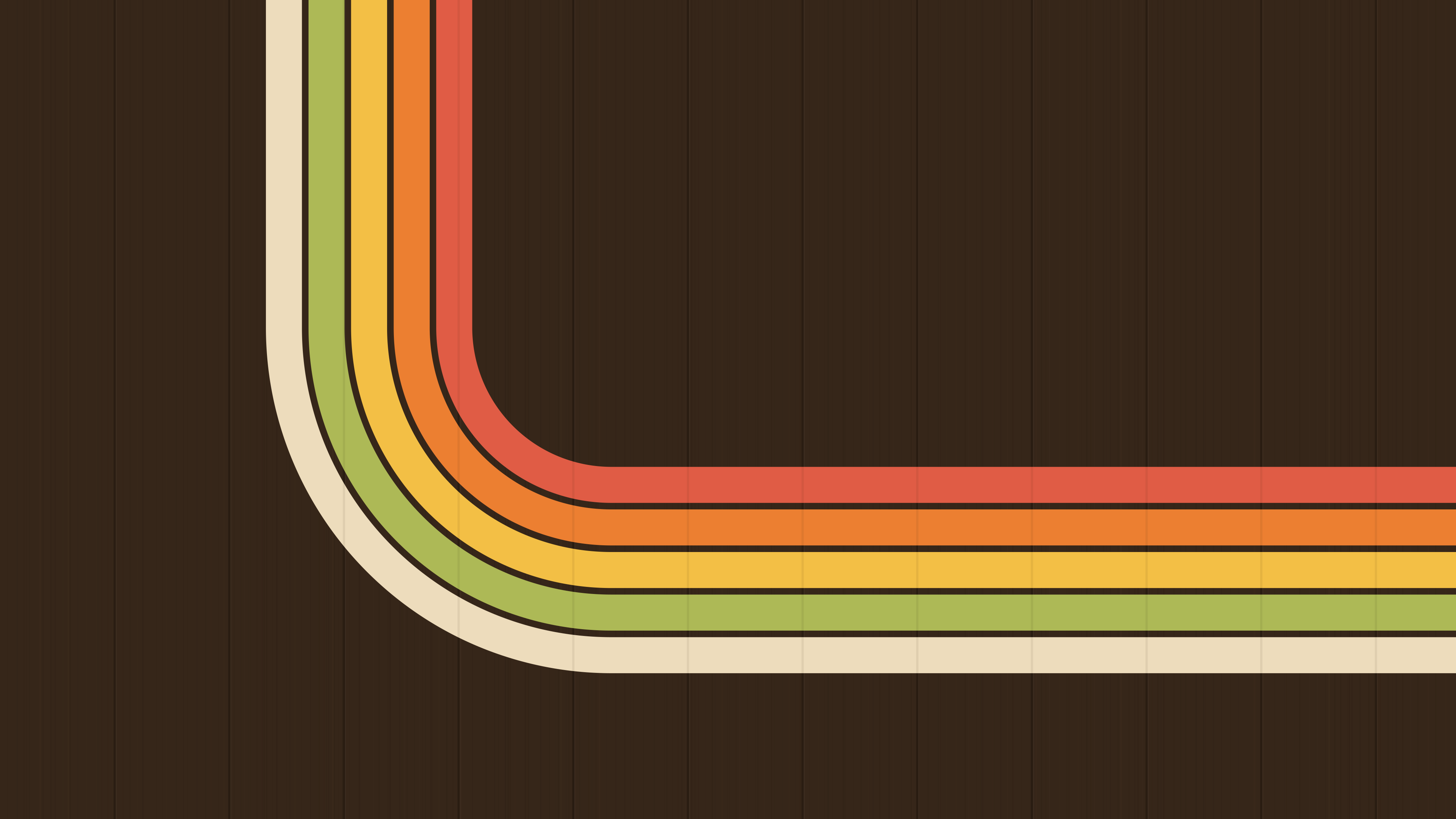
subway-seat-stripes-16x10.svgsave as ~/Pictures/Subway Seat/subway-seat-stripes-16x10.svgset it in GNOME's Settings › Appearance or KDE's Desktop and Wallpaper; macOS can't show SVGs, so use the PNG from assets/wallpapers (right-click › Set Desktop Picture)
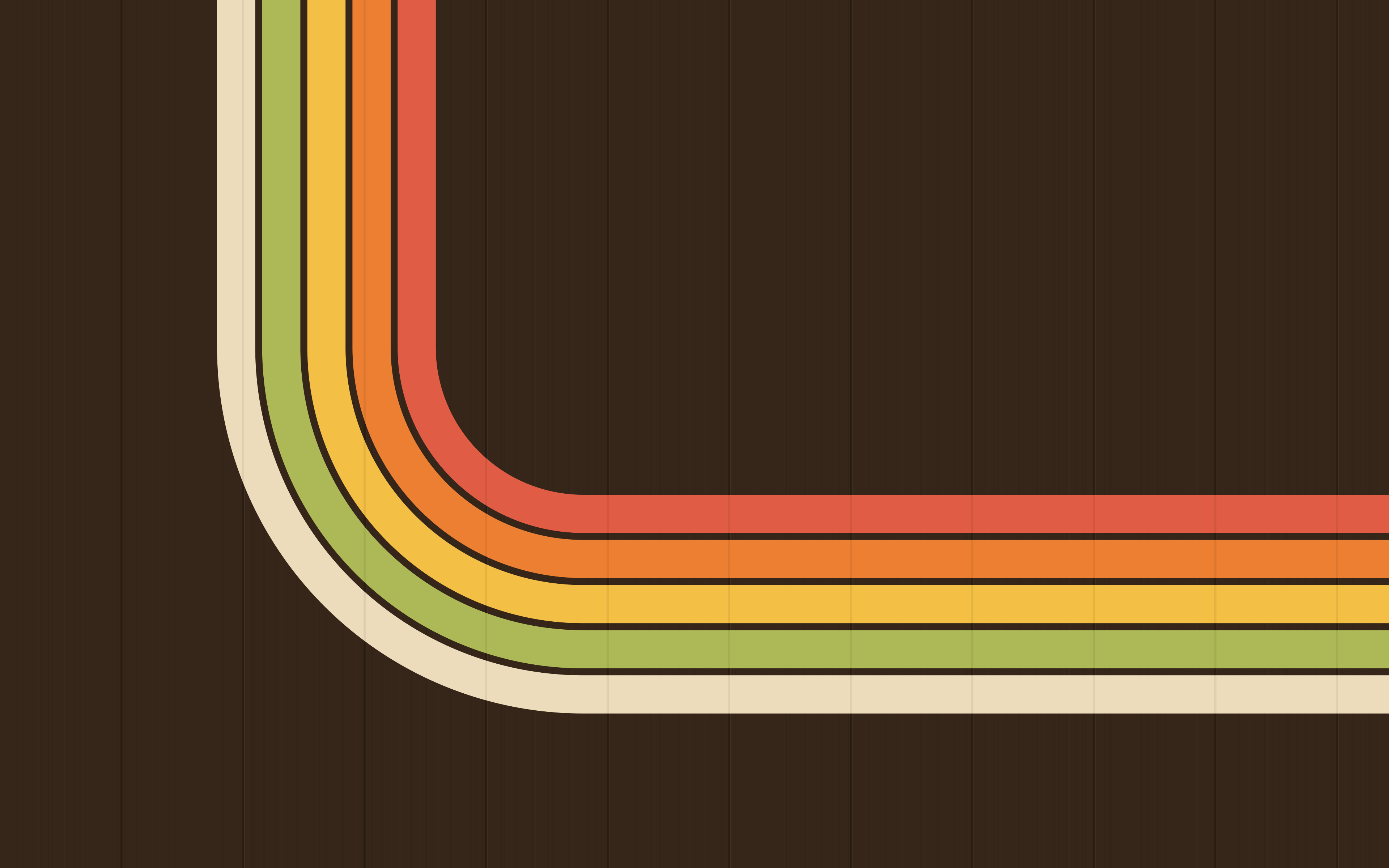
subway-seat-stripes-phone.svgsave as ~/Pictures/Subway Seat/subway-seat-stripes-phone.svgset it in GNOME's Settings › Appearance or KDE's Desktop and Wallpaper; macOS can't show SVGs, so use the PNG from assets/wallpapers (right-click › Set Desktop Picture)

subway-seat-seats-16x9.svgsave as ~/Pictures/Subway Seat/subway-seat-seats-16x9.svgset it in GNOME's Settings › Appearance or KDE's Desktop and Wallpaper; macOS can't show SVGs, so use the PNG from assets/wallpapers (right-click › Set Desktop Picture)
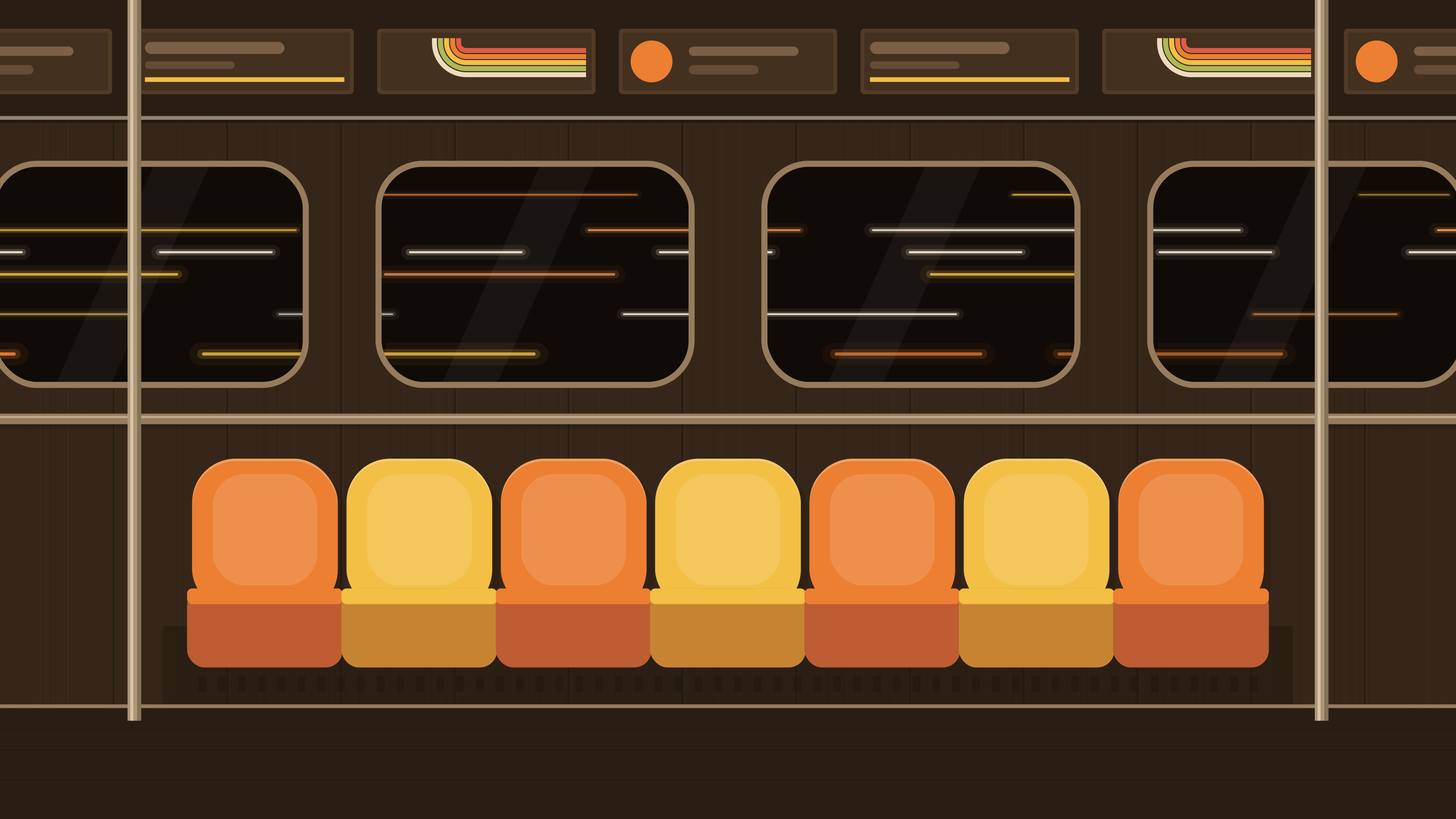
subway-seat-seats-16x10.svgsave as ~/Pictures/Subway Seat/subway-seat-seats-16x10.svgset it in GNOME's Settings › Appearance or KDE's Desktop and Wallpaper; macOS can't show SVGs, so use the PNG from assets/wallpapers (right-click › Set Desktop Picture)
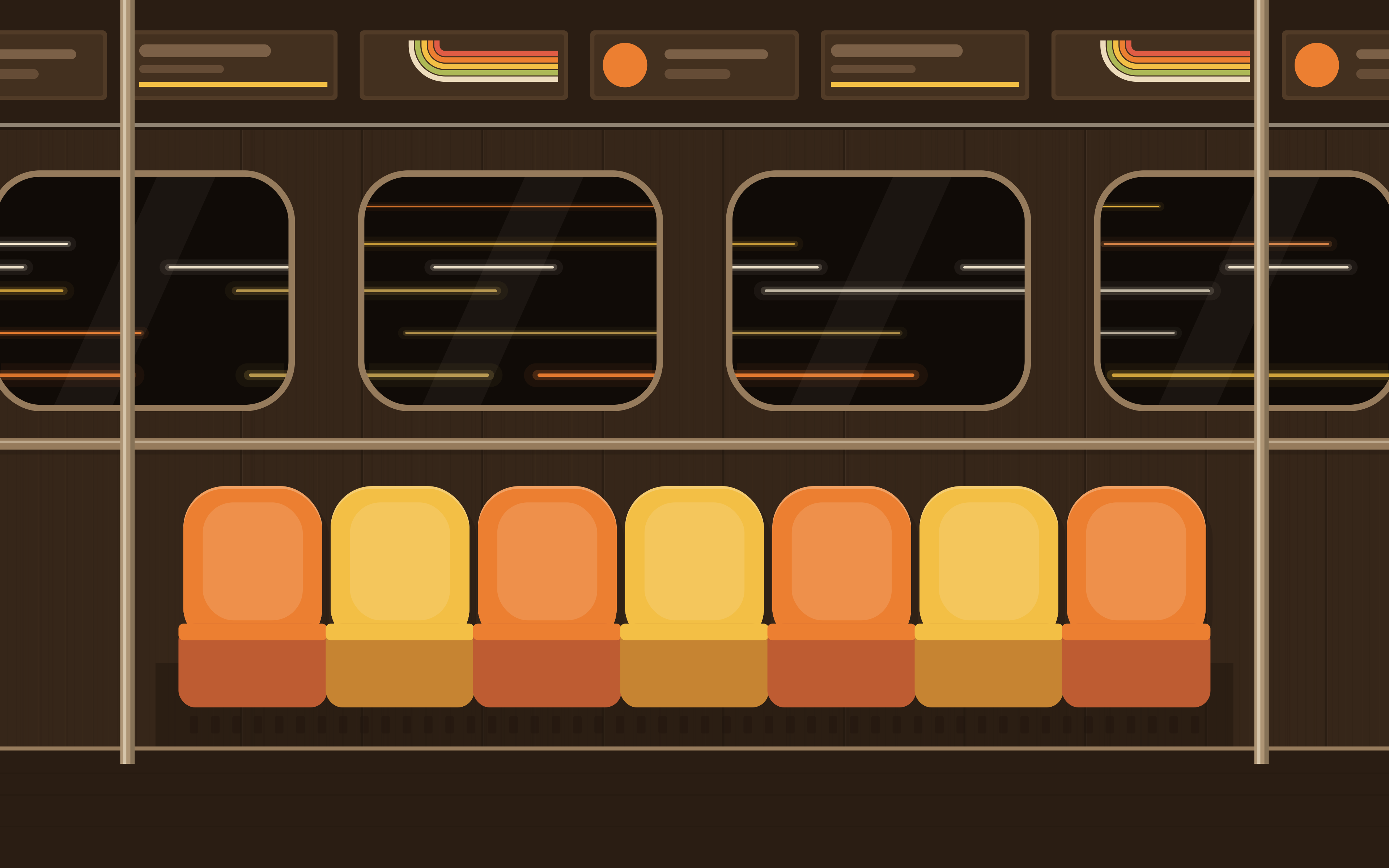
subway-seat-seats-phone.svgsave as ~/Pictures/Subway Seat/subway-seat-seats-phone.svgset it in GNOME's Settings › Appearance or KDE's Desktop and Wallpaper; macOS can't show SVGs, so use the PNG from assets/wallpapers (right-click › Set Desktop Picture)
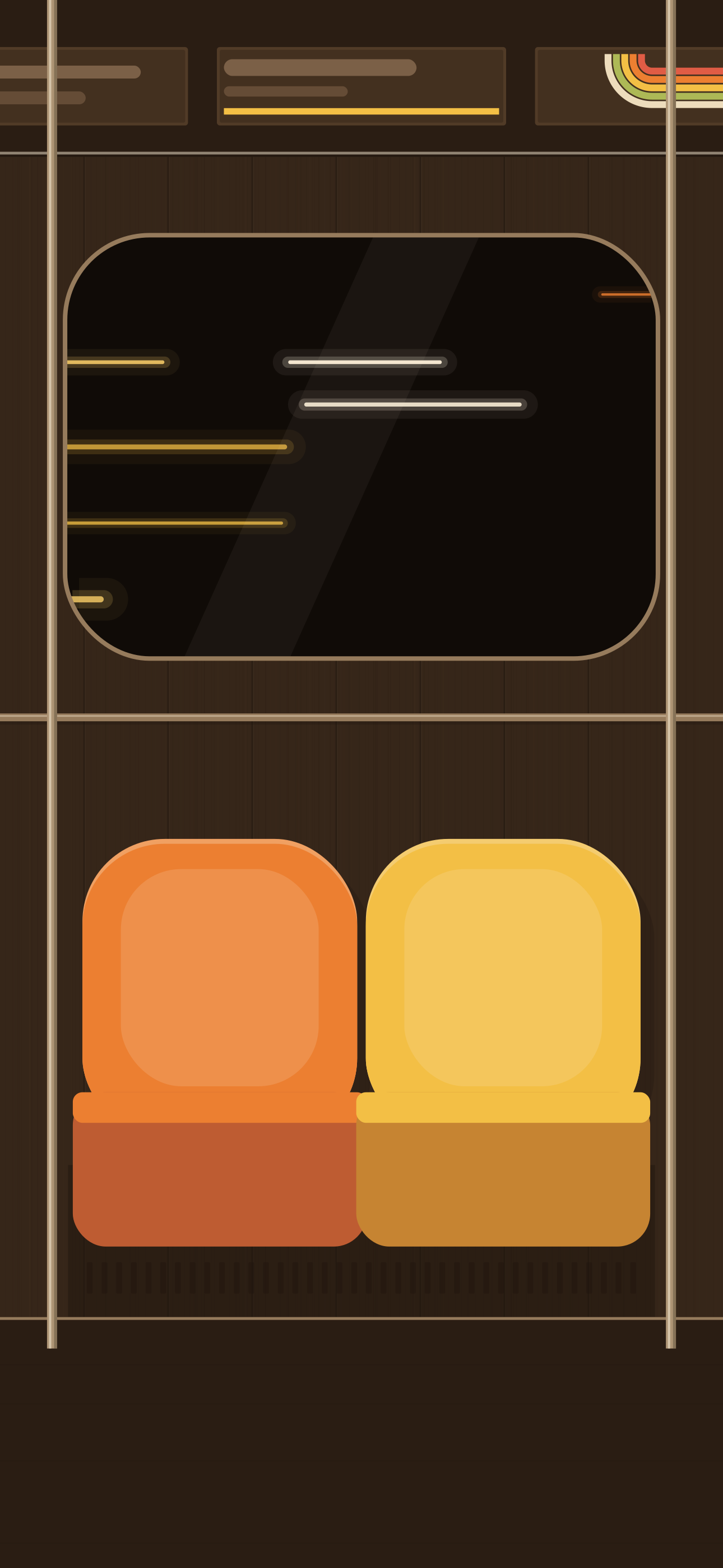
subway-seat-tunnel-stripes-16x9.svgsave as ~/Pictures/Subway Seat/subway-seat-tunnel-stripes-16x9.svgset it in GNOME's Settings › Appearance or KDE's Desktop and Wallpaper; macOS can't show SVGs, so use the PNG from assets/wallpapers (right-click › Set Desktop Picture)

subway-seat-tunnel-stripes-16x10.svgsave as ~/Pictures/Subway Seat/subway-seat-tunnel-stripes-16x10.svgset it in GNOME's Settings › Appearance or KDE's Desktop and Wallpaper; macOS can't show SVGs, so use the PNG from assets/wallpapers (right-click › Set Desktop Picture)
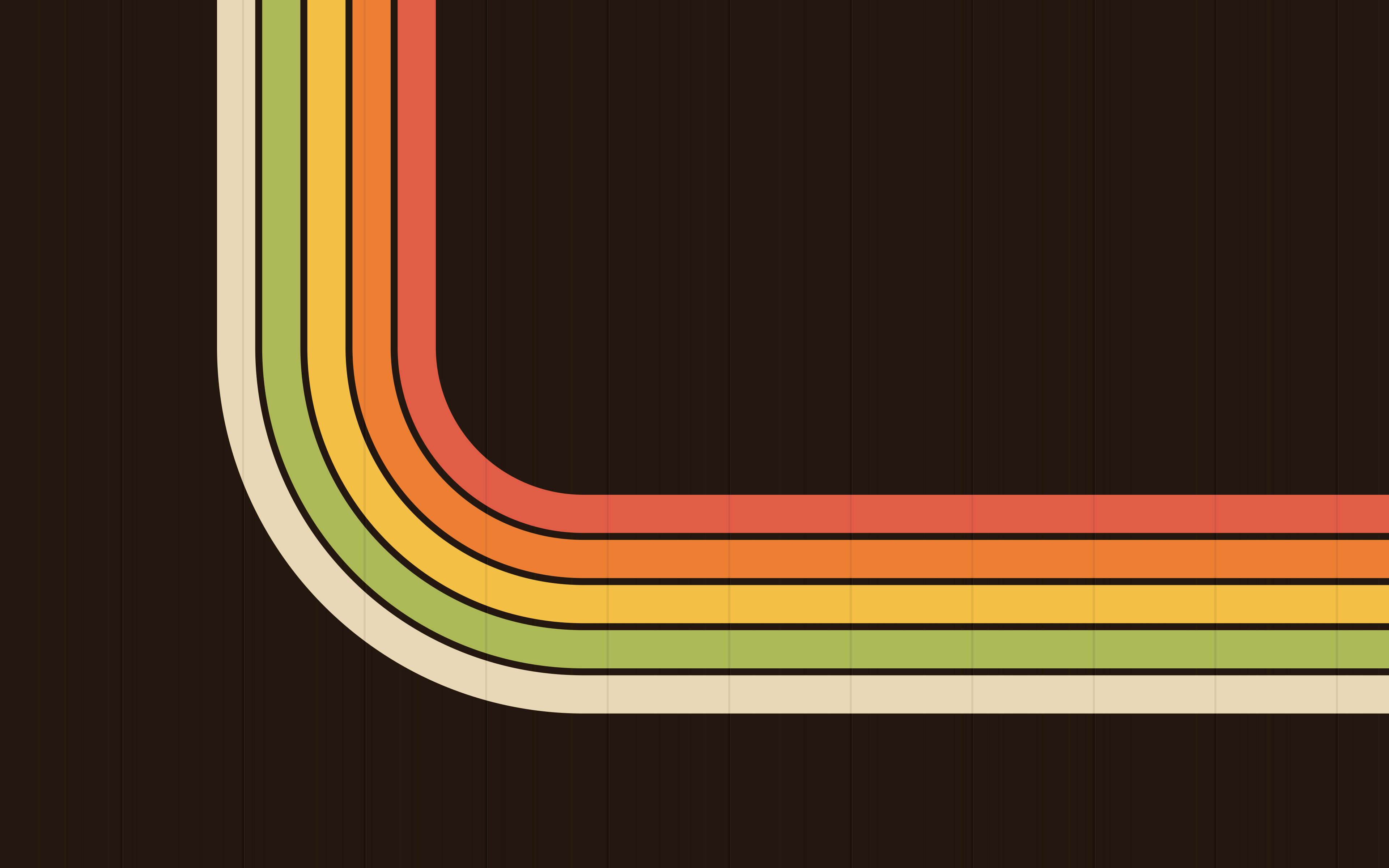
subway-seat-tunnel-stripes-phone.svgsave as ~/Pictures/Subway Seat/subway-seat-tunnel-stripes-phone.svgset it in GNOME's Settings › Appearance or KDE's Desktop and Wallpaper; macOS can't show SVGs, so use the PNG from assets/wallpapers (right-click › Set Desktop Picture)

subway-seat-tunnel-seats-16x9.svgsave as ~/Pictures/Subway Seat/subway-seat-tunnel-seats-16x9.svgset it in GNOME's Settings › Appearance or KDE's Desktop and Wallpaper; macOS can't show SVGs, so use the PNG from assets/wallpapers (right-click › Set Desktop Picture)
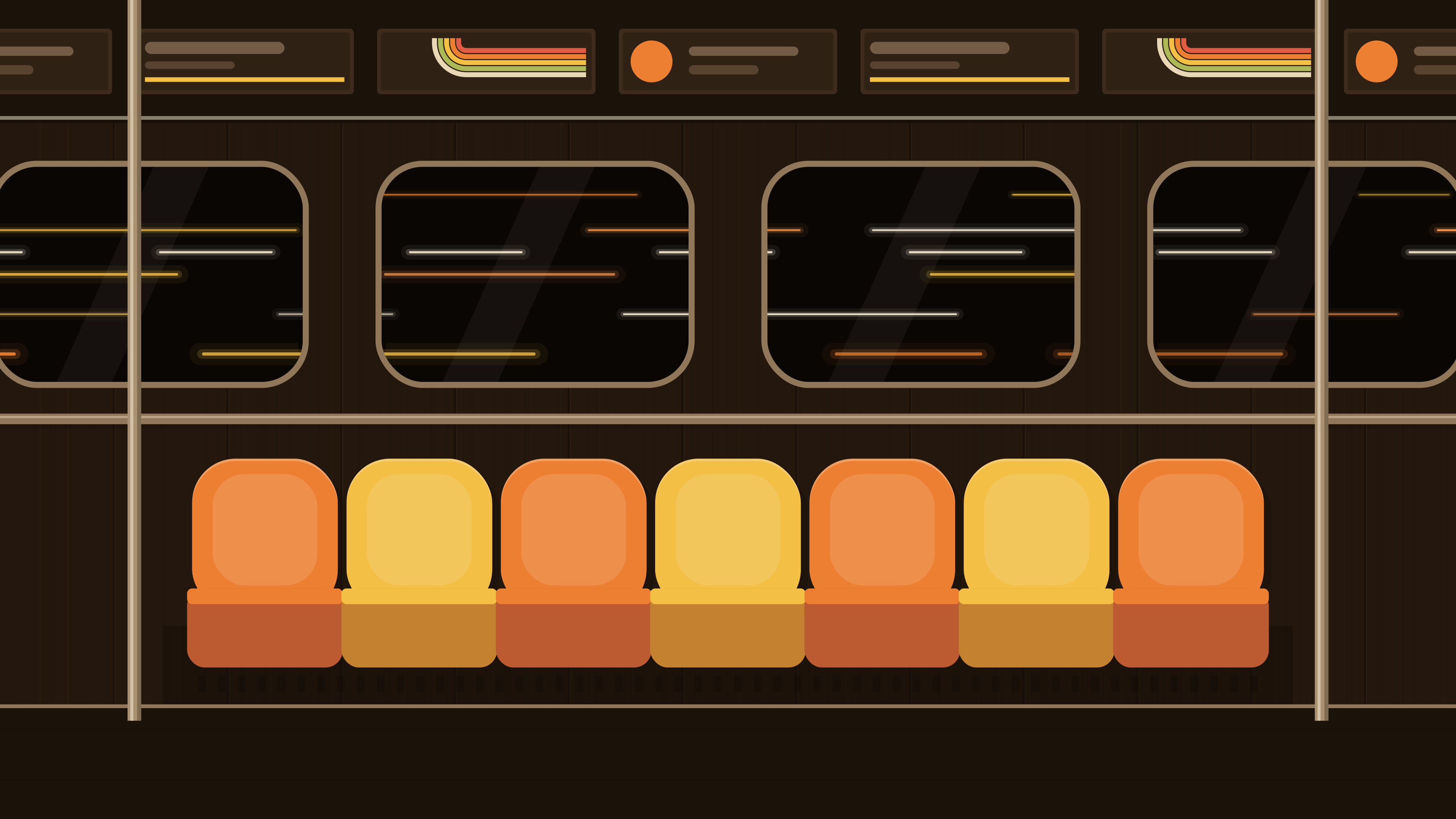
subway-seat-tunnel-seats-16x10.svgsave as ~/Pictures/Subway Seat/subway-seat-tunnel-seats-16x10.svgset it in GNOME's Settings › Appearance or KDE's Desktop and Wallpaper; macOS can't show SVGs, so use the PNG from assets/wallpapers (right-click › Set Desktop Picture)
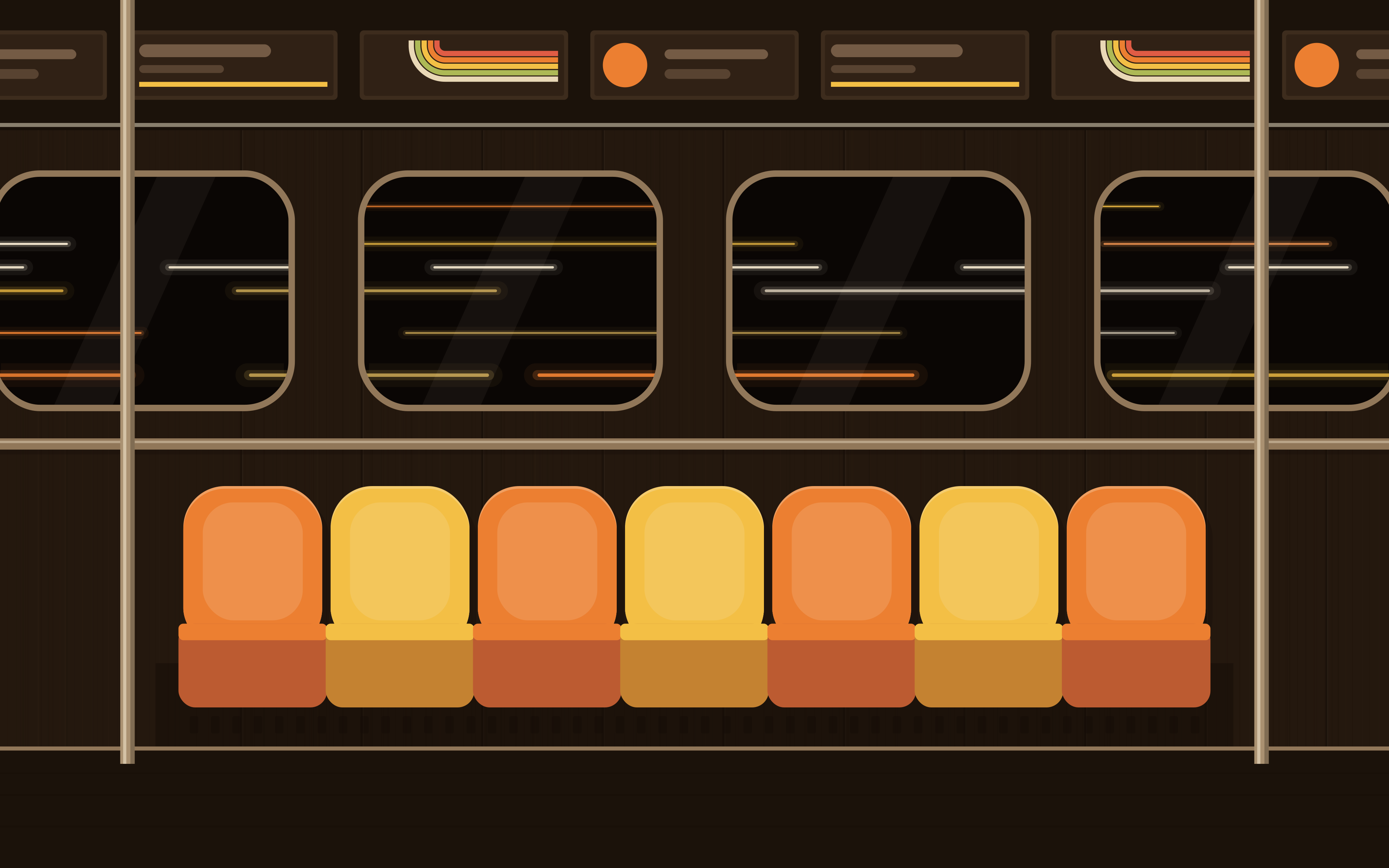
subway-seat-tunnel-seats-phone.svgsave as ~/Pictures/Subway Seat/subway-seat-tunnel-seats-phone.svgset it in GNOME's Settings › Appearance or KDE's Desktop and Wallpaper; macOS can't show SVGs, so use the PNG from assets/wallpapers (right-click › Set Desktop Picture)
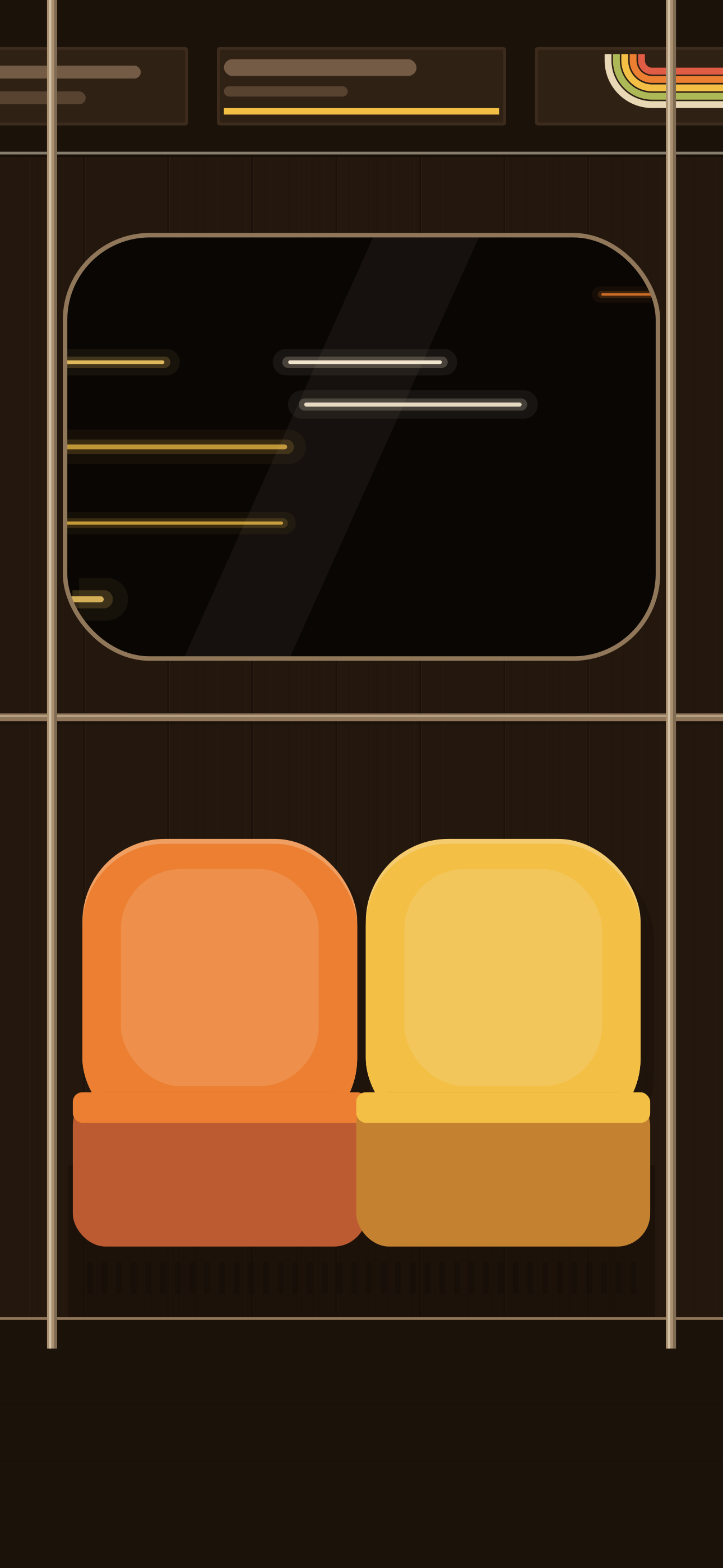
subway-seat-enamel-stripes-16x9.svgsave as ~/Pictures/Subway Seat/subway-seat-enamel-stripes-16x9.svgset it in GNOME's Settings › Appearance or KDE's Desktop and Wallpaper; macOS can't show SVGs, so use the PNG from assets/wallpapers (right-click › Set Desktop Picture)
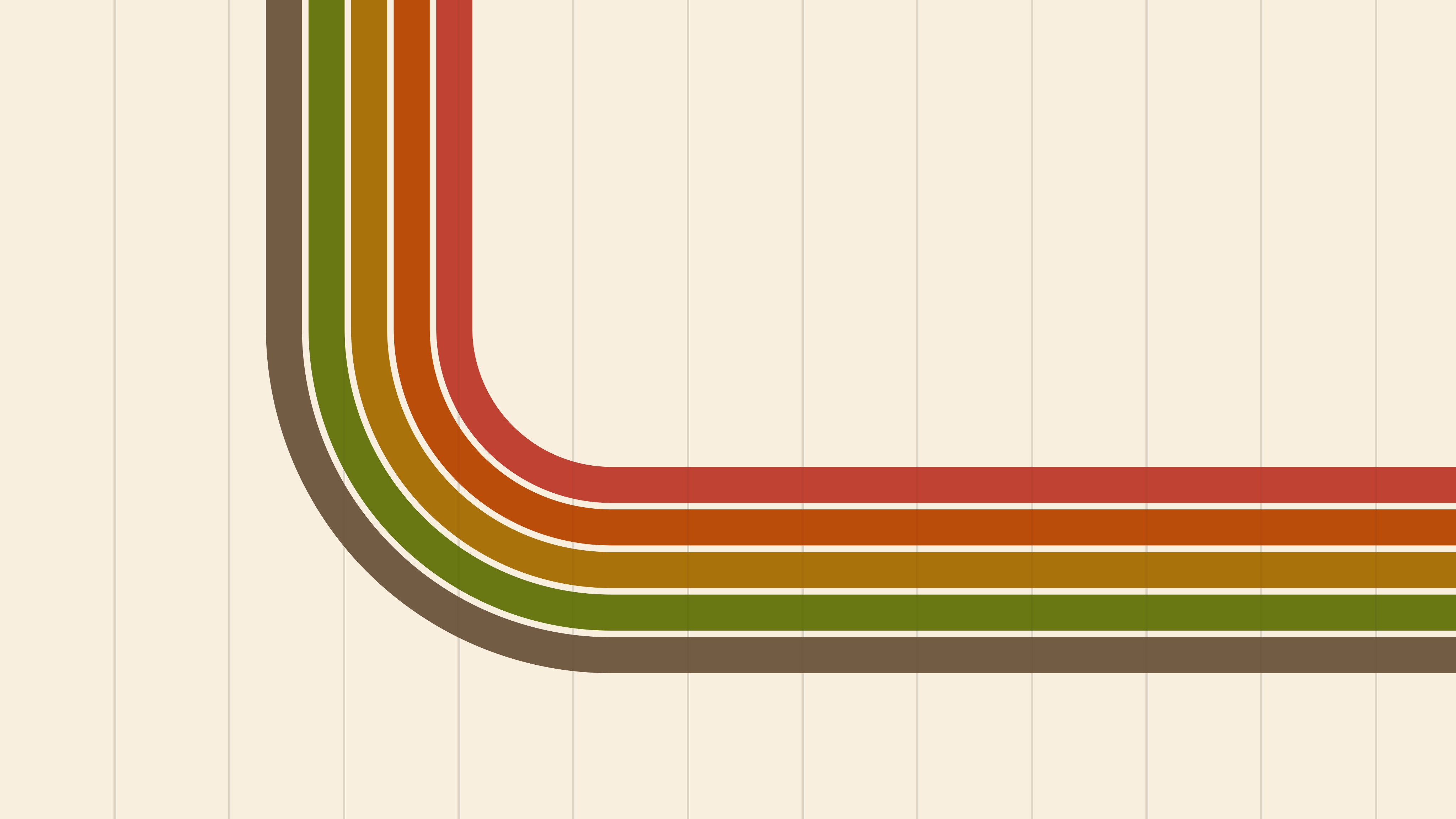
subway-seat-enamel-stripes-16x10.svgsave as ~/Pictures/Subway Seat/subway-seat-enamel-stripes-16x10.svgset it in GNOME's Settings › Appearance or KDE's Desktop and Wallpaper; macOS can't show SVGs, so use the PNG from assets/wallpapers (right-click › Set Desktop Picture)
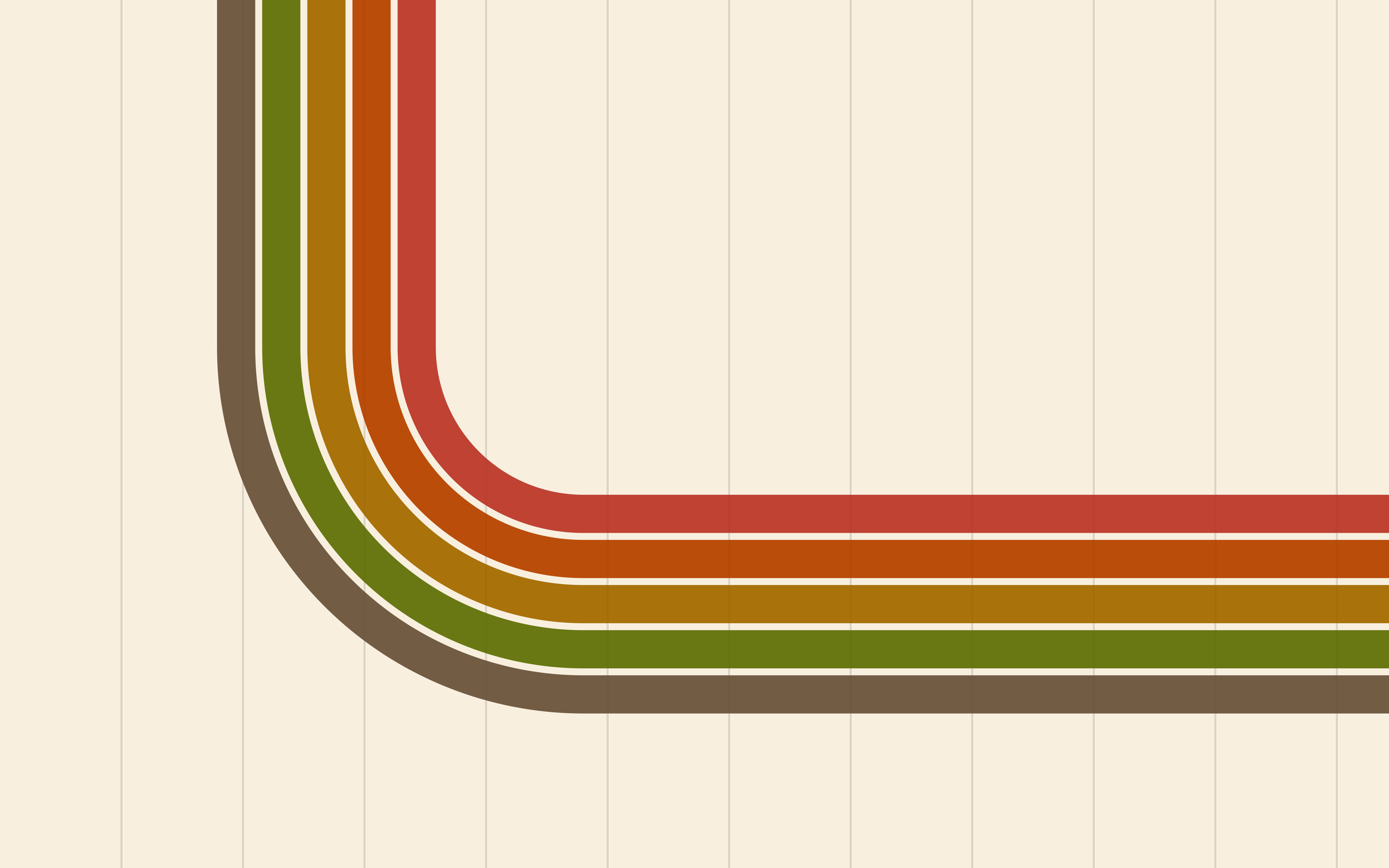
subway-seat-enamel-stripes-phone.svgsave as ~/Pictures/Subway Seat/subway-seat-enamel-stripes-phone.svgset it in GNOME's Settings › Appearance or KDE's Desktop and Wallpaper; macOS can't show SVGs, so use the PNG from assets/wallpapers (right-click › Set Desktop Picture)
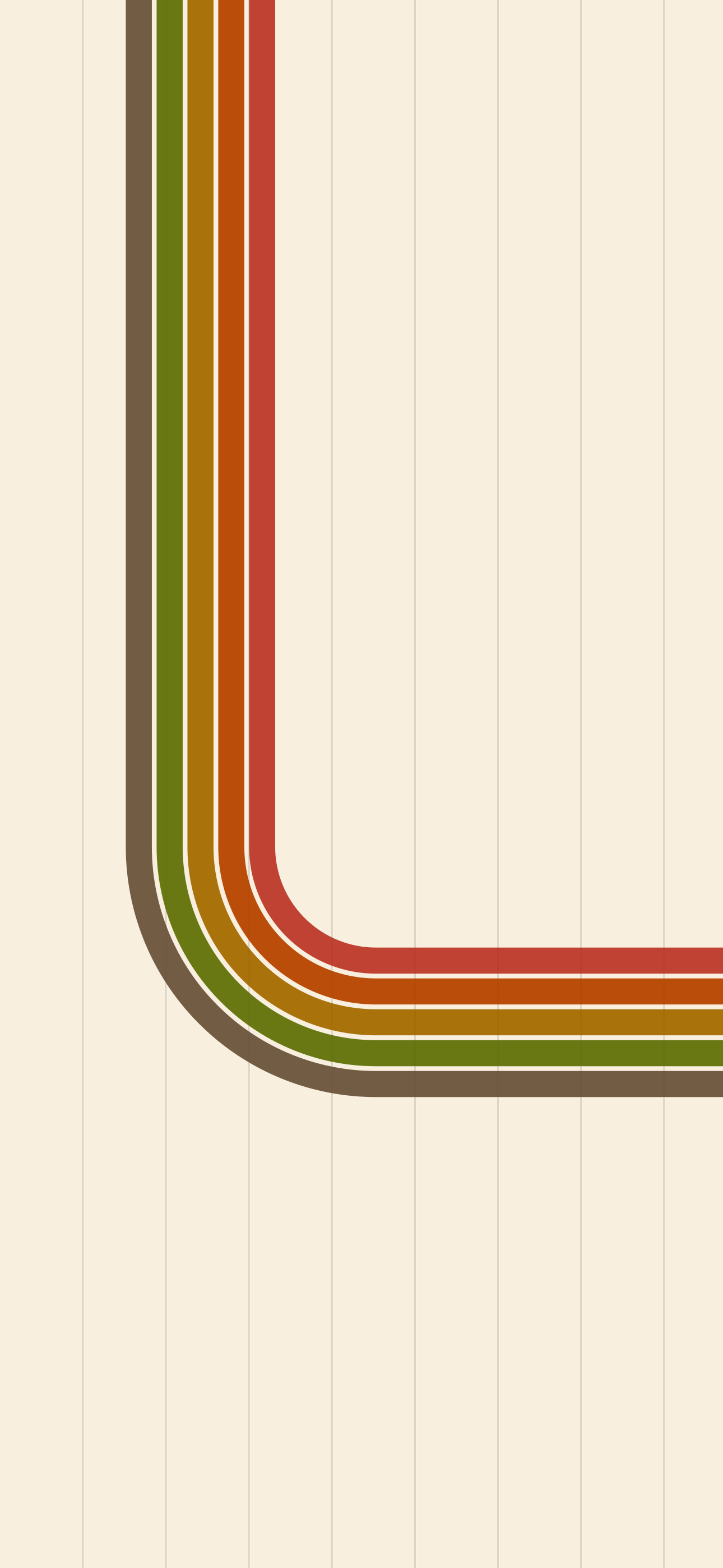
subway-seat-enamel-seats-16x9.svgsave as ~/Pictures/Subway Seat/subway-seat-enamel-seats-16x9.svgset it in GNOME's Settings › Appearance or KDE's Desktop and Wallpaper; macOS can't show SVGs, so use the PNG from assets/wallpapers (right-click › Set Desktop Picture)
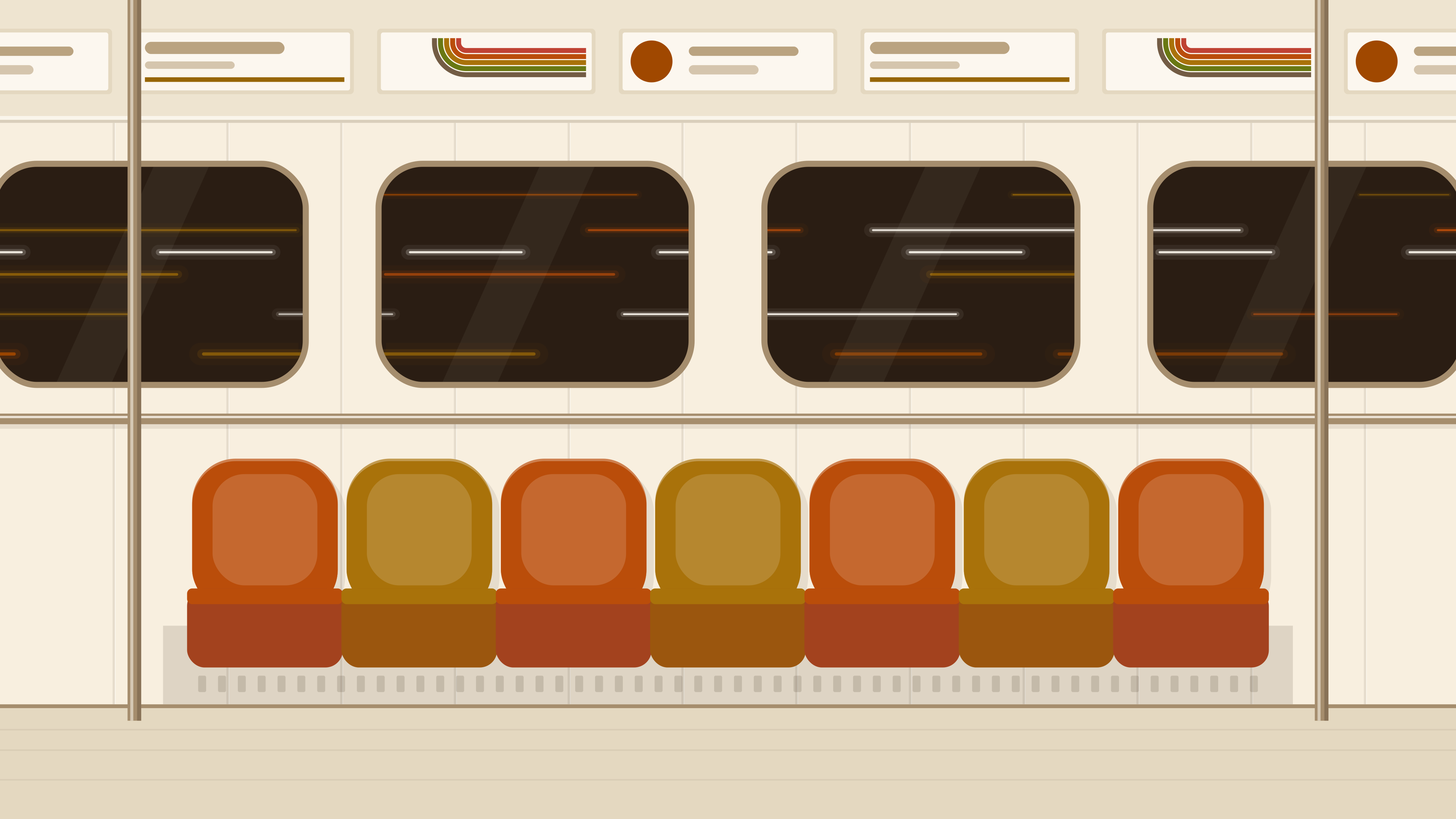
subway-seat-enamel-seats-16x10.svgsave as ~/Pictures/Subway Seat/subway-seat-enamel-seats-16x10.svgset it in GNOME's Settings › Appearance or KDE's Desktop and Wallpaper; macOS can't show SVGs, so use the PNG from assets/wallpapers (right-click › Set Desktop Picture)
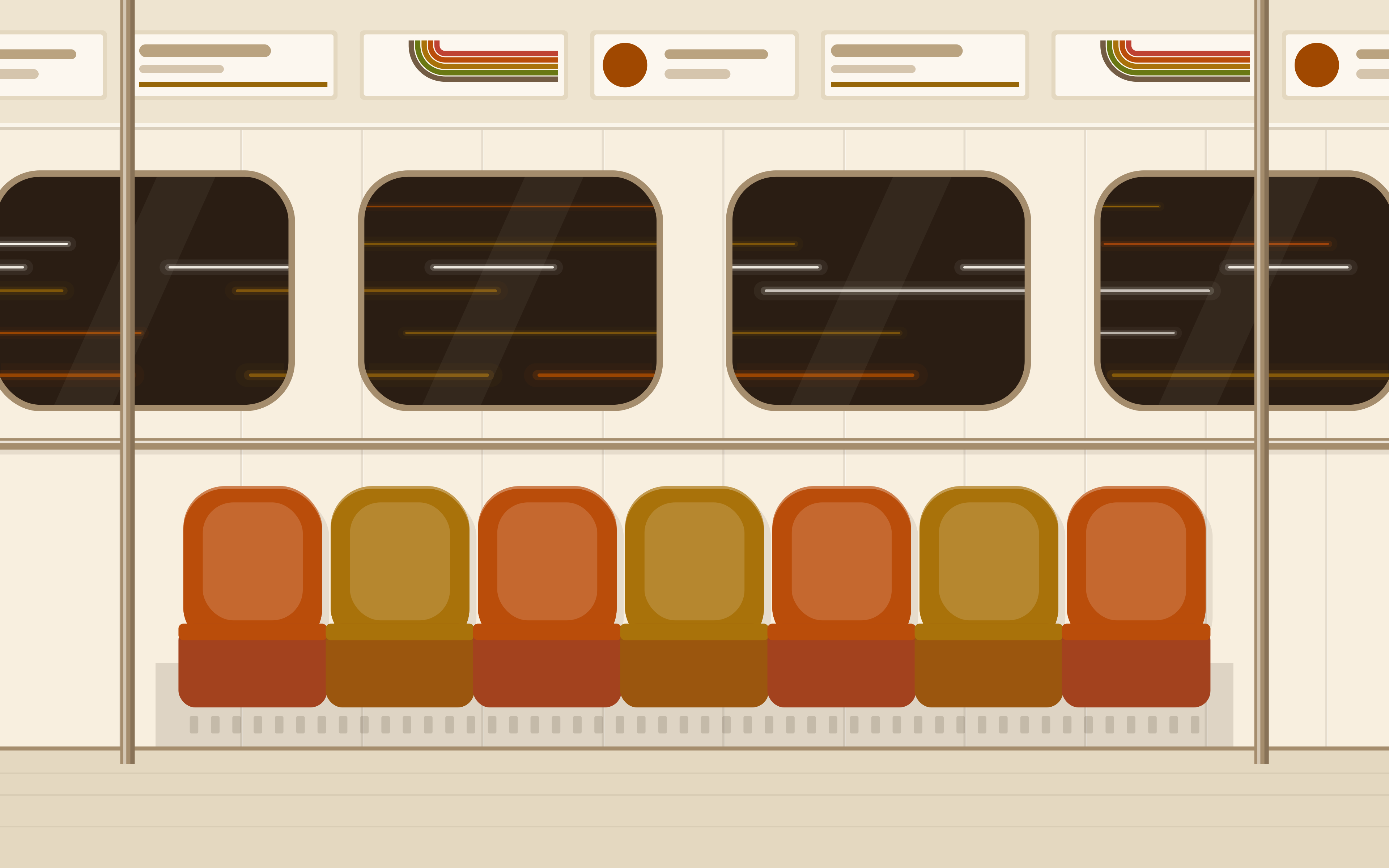
subway-seat-enamel-seats-phone.svgsave as ~/Pictures/Subway Seat/subway-seat-enamel-seats-phone.svgset it in GNOME's Settings › Appearance or KDE's Desktop and Wallpaper; macOS can't show SVGs, so use the PNG from assets/wallpapers (right-click › Set Desktop Picture)
london-moquette-stripes-16x9.svgsave as ~/Pictures/Subway Seat/london-moquette-stripes-16x9.svgset it in GNOME's Settings › Appearance or KDE's Desktop and Wallpaper; macOS can't show SVGs, so use the PNG from assets/wallpapers (right-click › Set Desktop Picture)

london-moquette-stripes-16x10.svgsave as ~/Pictures/Subway Seat/london-moquette-stripes-16x10.svgset it in GNOME's Settings › Appearance or KDE's Desktop and Wallpaper; macOS can't show SVGs, so use the PNG from assets/wallpapers (right-click › Set Desktop Picture)

london-moquette-stripes-phone.svgsave as ~/Pictures/Subway Seat/london-moquette-stripes-phone.svgset it in GNOME's Settings › Appearance or KDE's Desktop and Wallpaper; macOS can't show SVGs, so use the PNG from assets/wallpapers (right-click › Set Desktop Picture)

london-moquette-seats-16x9.svgsave as ~/Pictures/Subway Seat/london-moquette-seats-16x9.svgset it in GNOME's Settings › Appearance or KDE's Desktop and Wallpaper; macOS can't show SVGs, so use the PNG from assets/wallpapers (right-click › Set Desktop Picture)
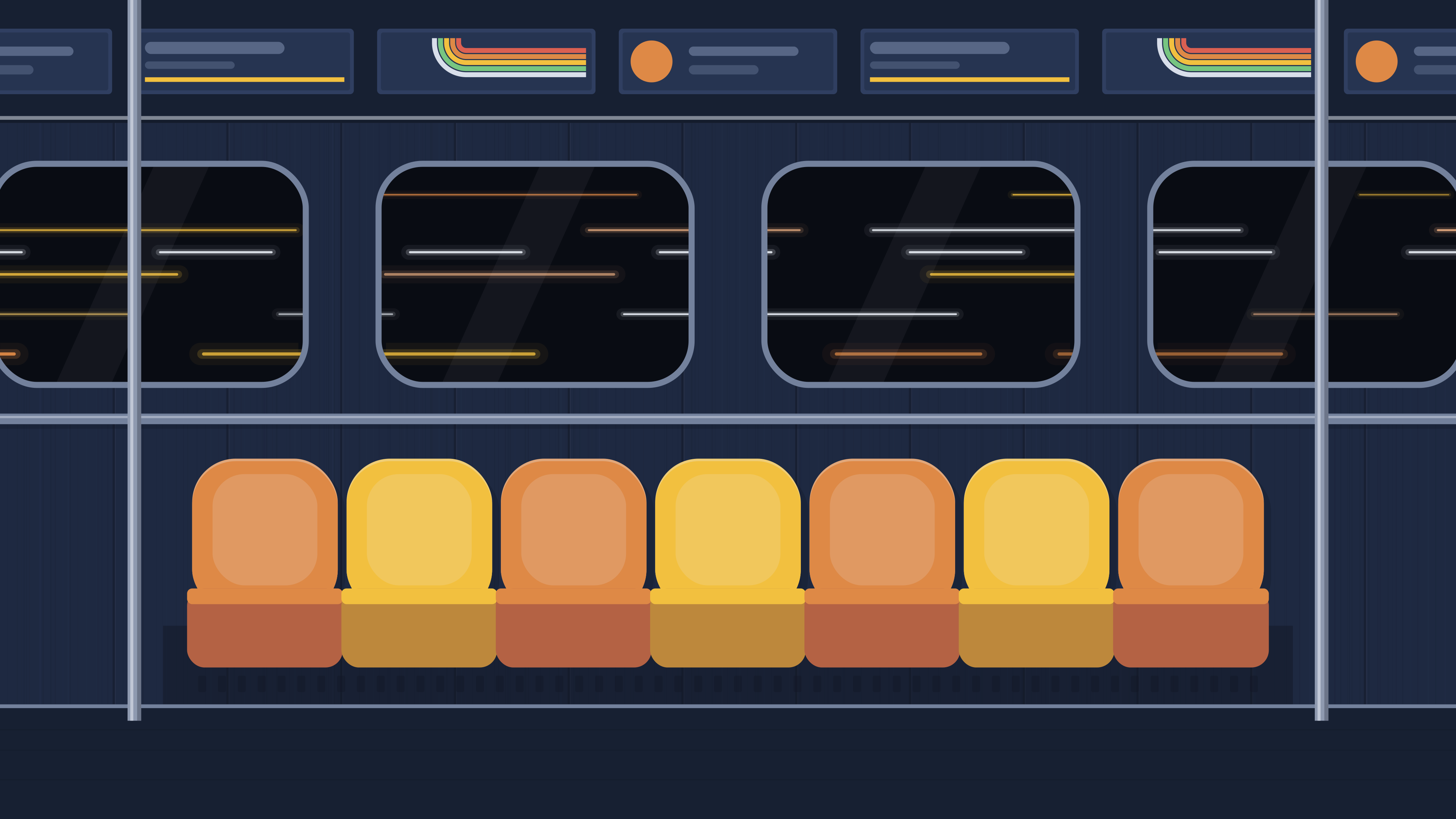
london-moquette-seats-16x10.svgsave as ~/Pictures/Subway Seat/london-moquette-seats-16x10.svgset it in GNOME's Settings › Appearance or KDE's Desktop and Wallpaper; macOS can't show SVGs, so use the PNG from assets/wallpapers (right-click › Set Desktop Picture)
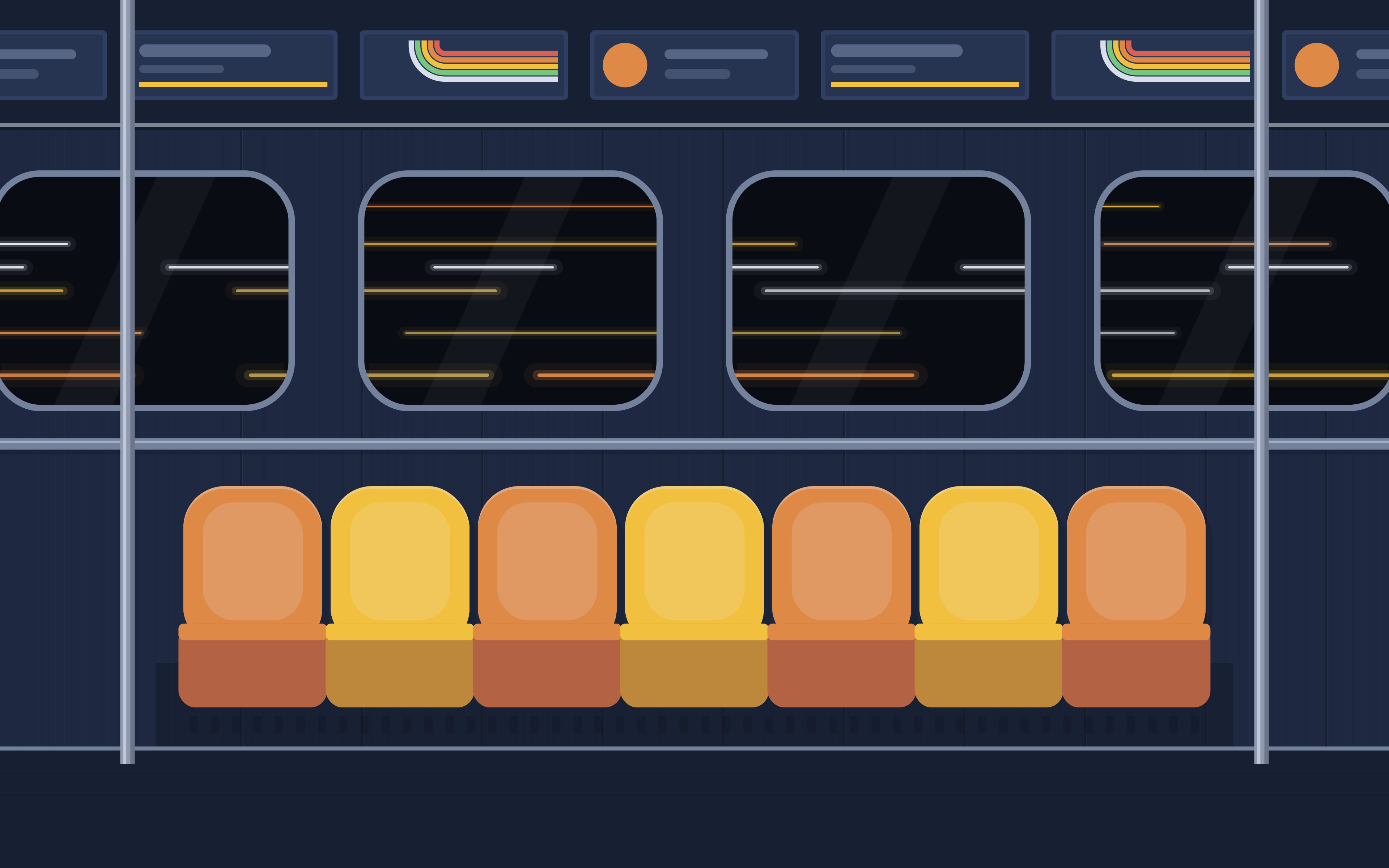
london-moquette-seats-phone.svgsave as ~/Pictures/Subway Seat/london-moquette-seats-phone.svgset it in GNOME's Settings › Appearance or KDE's Desktop and Wallpaper; macOS can't show SVGs, so use the PNG from assets/wallpapers (right-click › Set Desktop Picture)
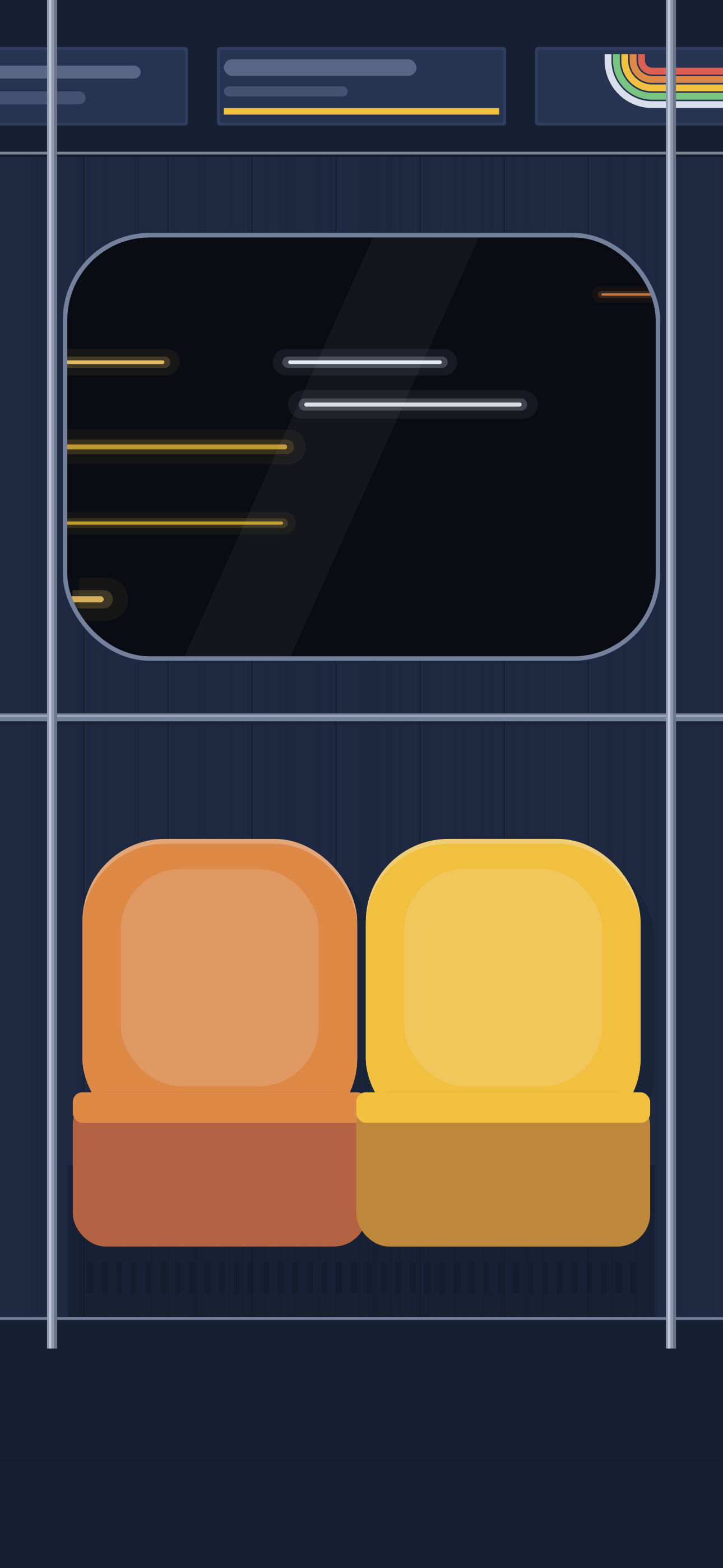
london-deep-level-stripes-16x9.svgsave as ~/Pictures/Subway Seat/london-deep-level-stripes-16x9.svgset it in GNOME's Settings › Appearance or KDE's Desktop and Wallpaper; macOS can't show SVGs, so use the PNG from assets/wallpapers (right-click › Set Desktop Picture)

london-deep-level-stripes-16x10.svgsave as ~/Pictures/Subway Seat/london-deep-level-stripes-16x10.svgset it in GNOME's Settings › Appearance or KDE's Desktop and Wallpaper; macOS can't show SVGs, so use the PNG from assets/wallpapers (right-click › Set Desktop Picture)

london-deep-level-stripes-phone.svgsave as ~/Pictures/Subway Seat/london-deep-level-stripes-phone.svgset it in GNOME's Settings › Appearance or KDE's Desktop and Wallpaper; macOS can't show SVGs, so use the PNG from assets/wallpapers (right-click › Set Desktop Picture)

london-deep-level-seats-16x9.svgsave as ~/Pictures/Subway Seat/london-deep-level-seats-16x9.svgset it in GNOME's Settings › Appearance or KDE's Desktop and Wallpaper; macOS can't show SVGs, so use the PNG from assets/wallpapers (right-click › Set Desktop Picture)
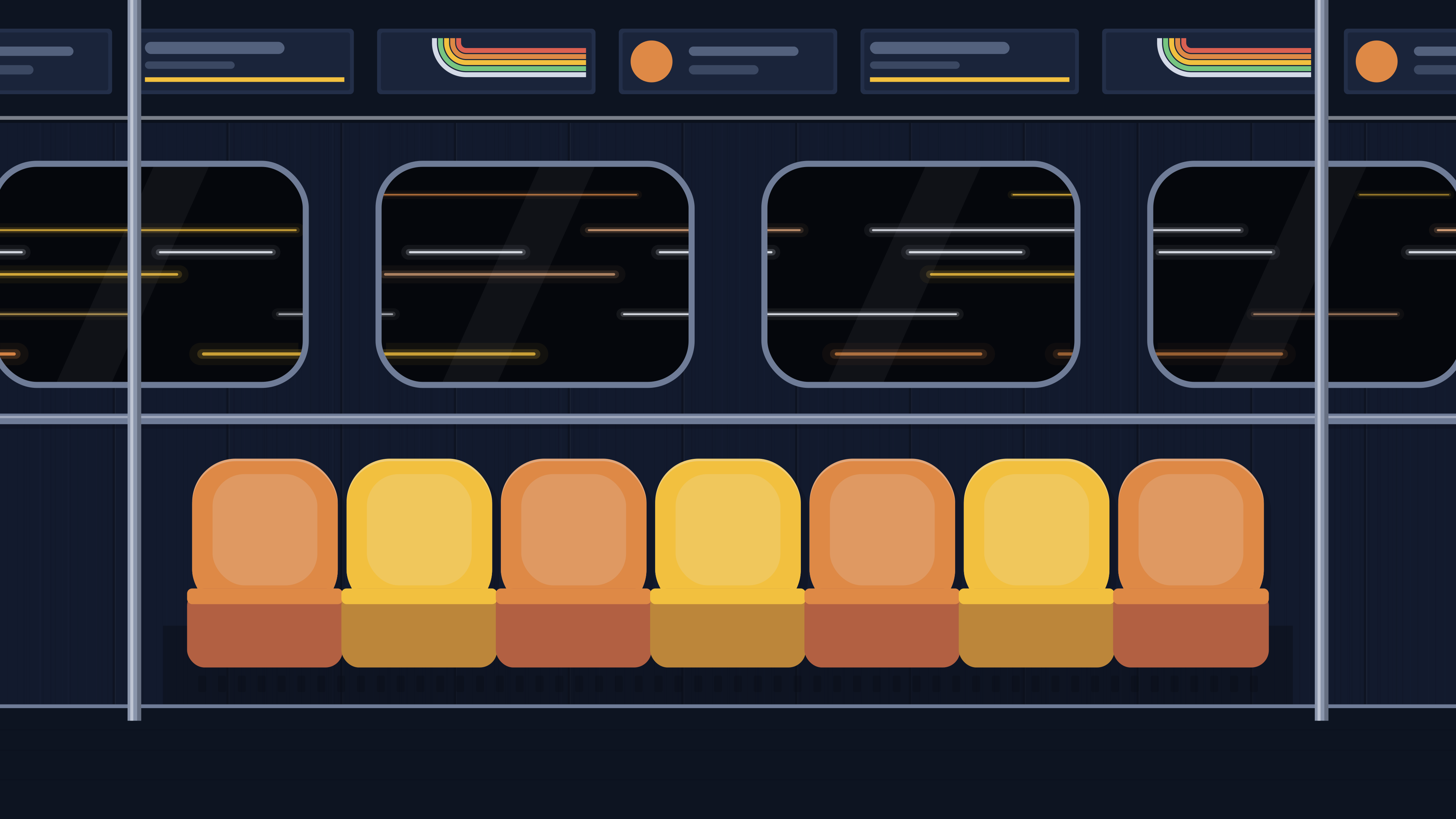
london-deep-level-seats-16x10.svgsave as ~/Pictures/Subway Seat/london-deep-level-seats-16x10.svgset it in GNOME's Settings › Appearance or KDE's Desktop and Wallpaper; macOS can't show SVGs, so use the PNG from assets/wallpapers (right-click › Set Desktop Picture)
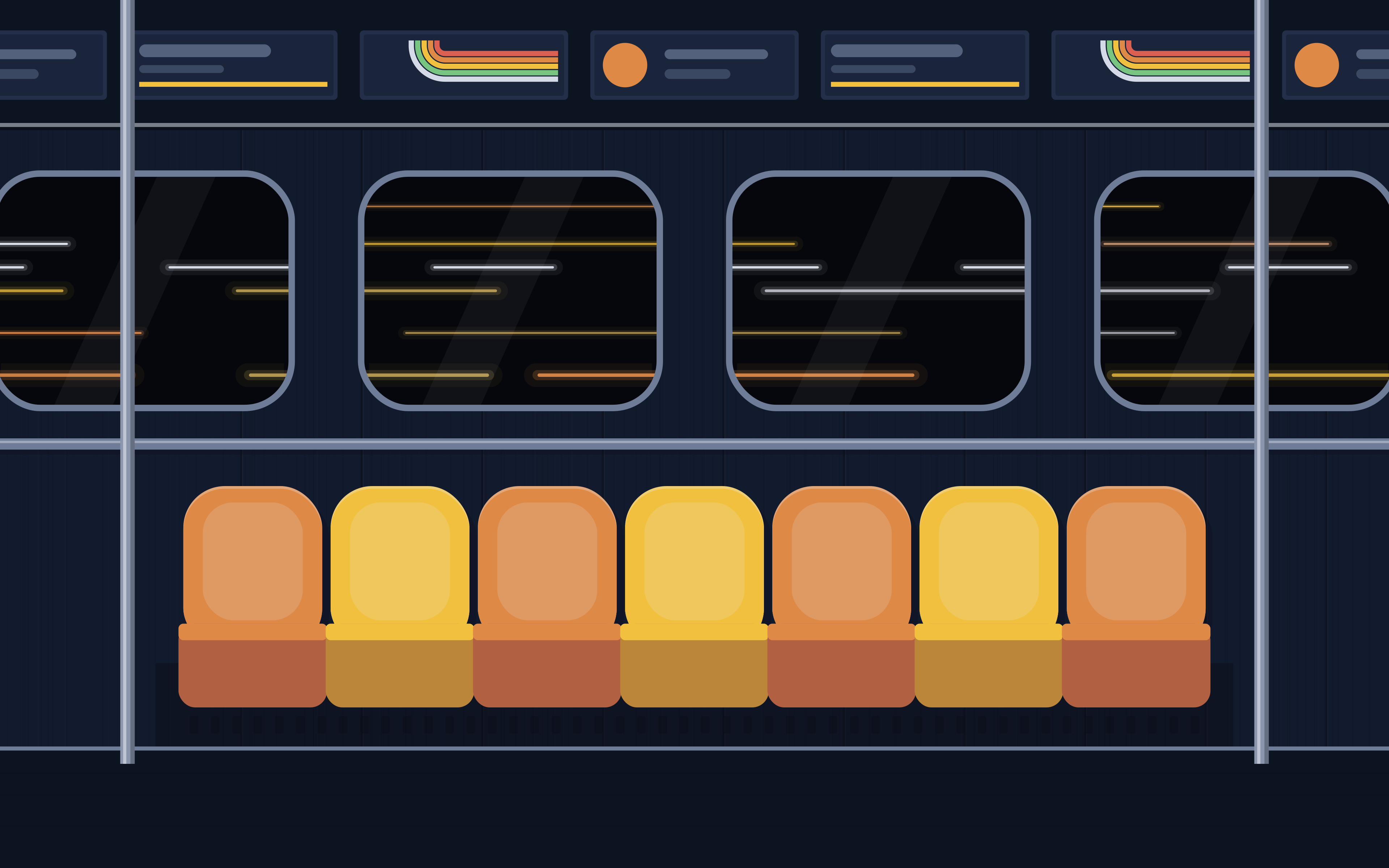
london-deep-level-seats-phone.svgsave as ~/Pictures/Subway Seat/london-deep-level-seats-phone.svgset it in GNOME's Settings › Appearance or KDE's Desktop and Wallpaper; macOS can't show SVGs, so use the PNG from assets/wallpapers (right-click › Set Desktop Picture)
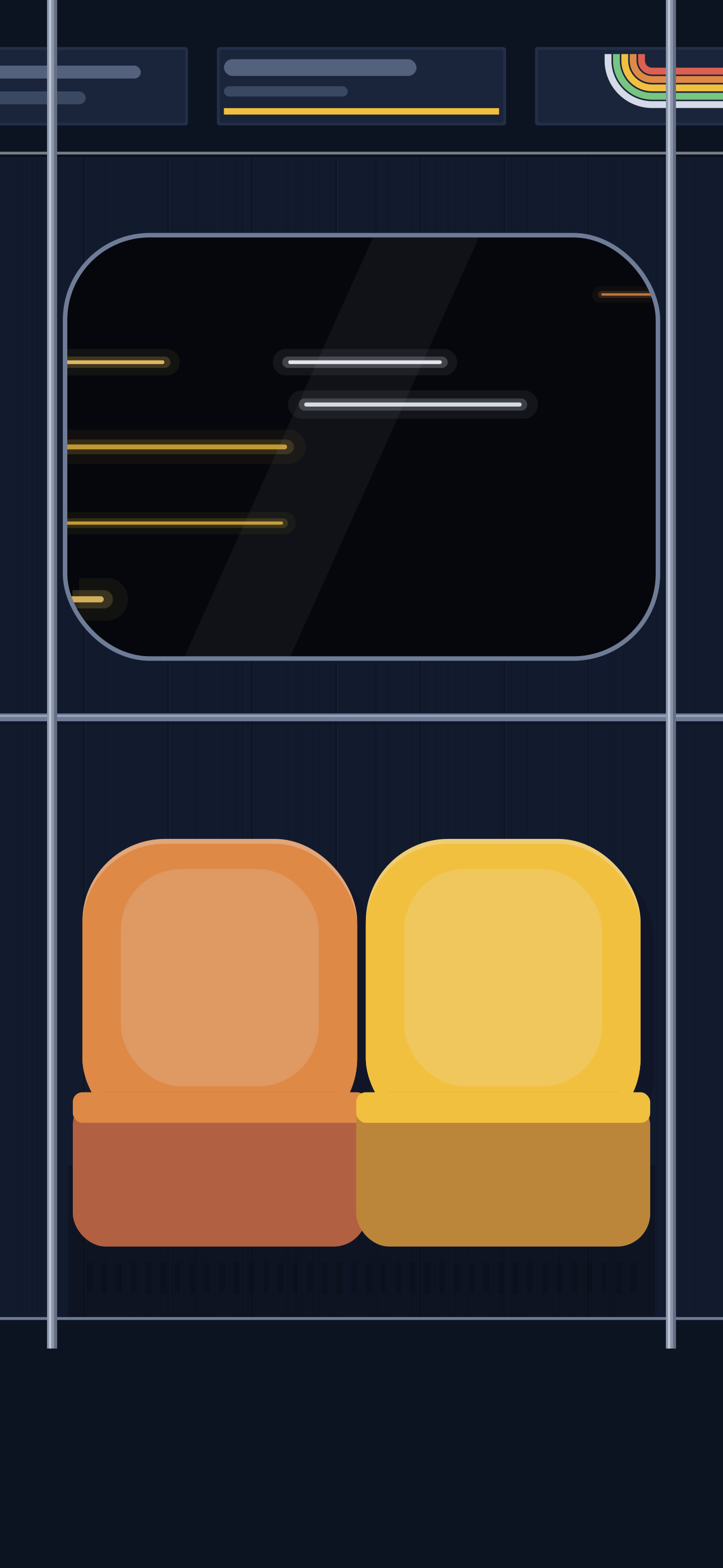
london-portland-stripes-16x9.svgsave as ~/Pictures/Subway Seat/london-portland-stripes-16x9.svgset it in GNOME's Settings › Appearance or KDE's Desktop and Wallpaper; macOS can't show SVGs, so use the PNG from assets/wallpapers (right-click › Set Desktop Picture)
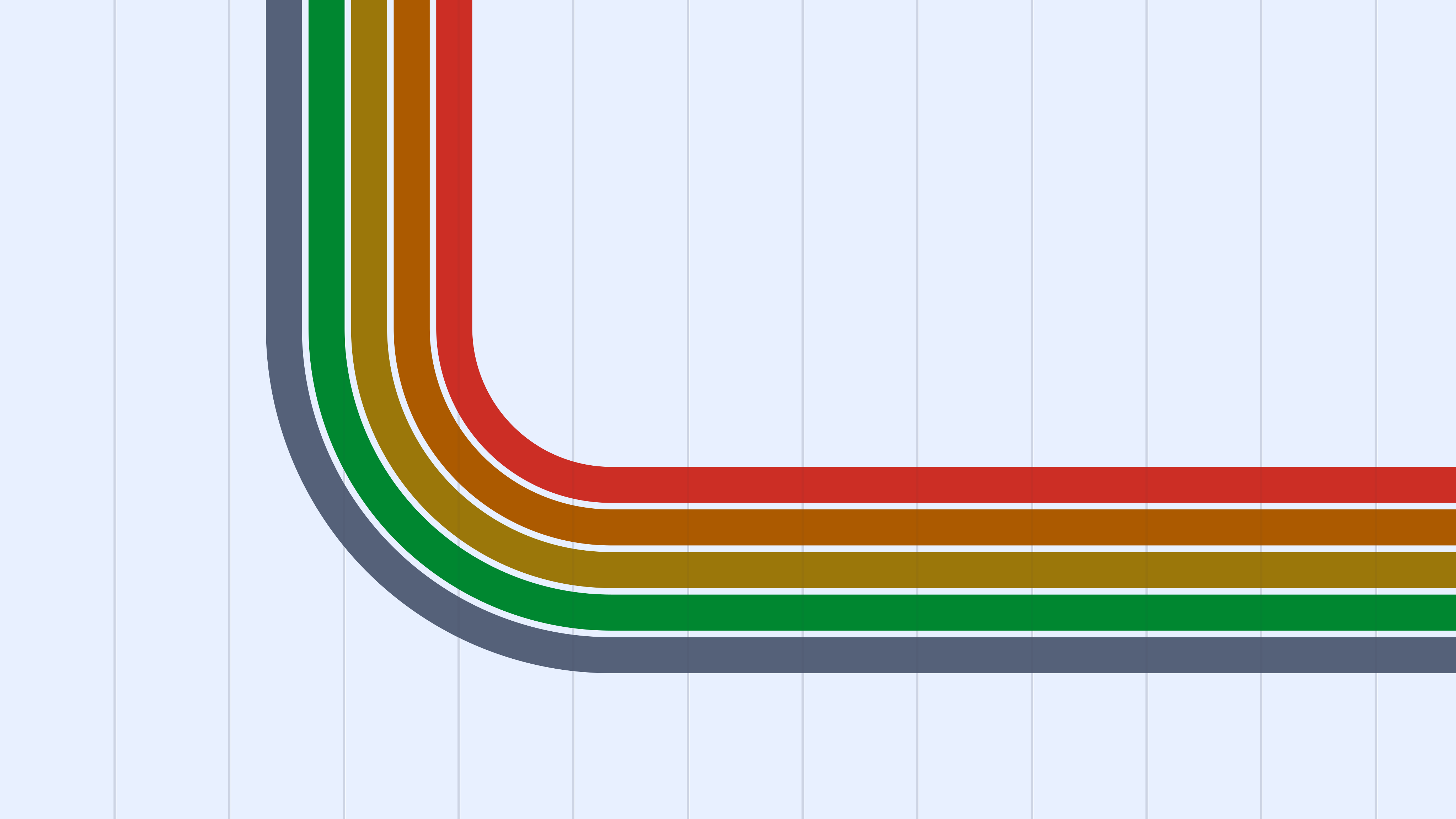
london-portland-stripes-16x10.svgsave as ~/Pictures/Subway Seat/london-portland-stripes-16x10.svgset it in GNOME's Settings › Appearance or KDE's Desktop and Wallpaper; macOS can't show SVGs, so use the PNG from assets/wallpapers (right-click › Set Desktop Picture)
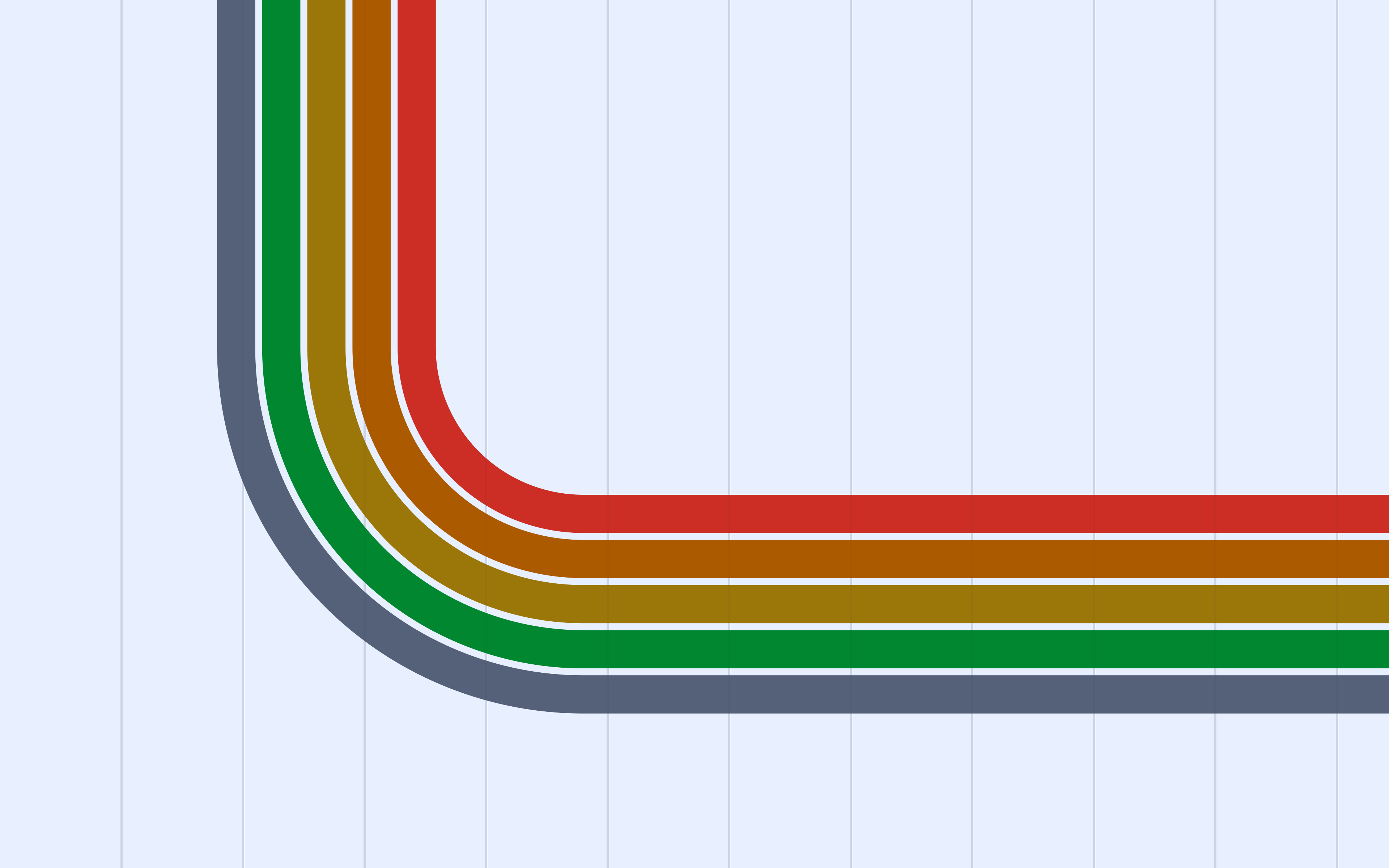
london-portland-stripes-phone.svgsave as ~/Pictures/Subway Seat/london-portland-stripes-phone.svgset it in GNOME's Settings › Appearance or KDE's Desktop and Wallpaper; macOS can't show SVGs, so use the PNG from assets/wallpapers (right-click › Set Desktop Picture)
london-portland-seats-16x9.svgsave as ~/Pictures/Subway Seat/london-portland-seats-16x9.svgset it in GNOME's Settings › Appearance or KDE's Desktop and Wallpaper; macOS can't show SVGs, so use the PNG from assets/wallpapers (right-click › Set Desktop Picture)
london-portland-seats-16x10.svgsave as ~/Pictures/Subway Seat/london-portland-seats-16x10.svgset it in GNOME's Settings › Appearance or KDE's Desktop and Wallpaper; macOS can't show SVGs, so use the PNG from assets/wallpapers (right-click › Set Desktop Picture)
london-portland-seats-phone.svgsave as ~/Pictures/Subway Seat/london-portland-seats-phone.svgset it in GNOME's Settings › Appearance or KDE's Desktop and Wallpaper; macOS can't show SVGs, so use the PNG from assets/wallpapers (right-click › Set Desktop Picture)
paris-guimard-stripes-16x9.svgsave as ~/Pictures/Subway Seat/paris-guimard-stripes-16x9.svgset it in GNOME's Settings › Appearance or KDE's Desktop and Wallpaper; macOS can't show SVGs, so use the PNG from assets/wallpapers (right-click › Set Desktop Picture)
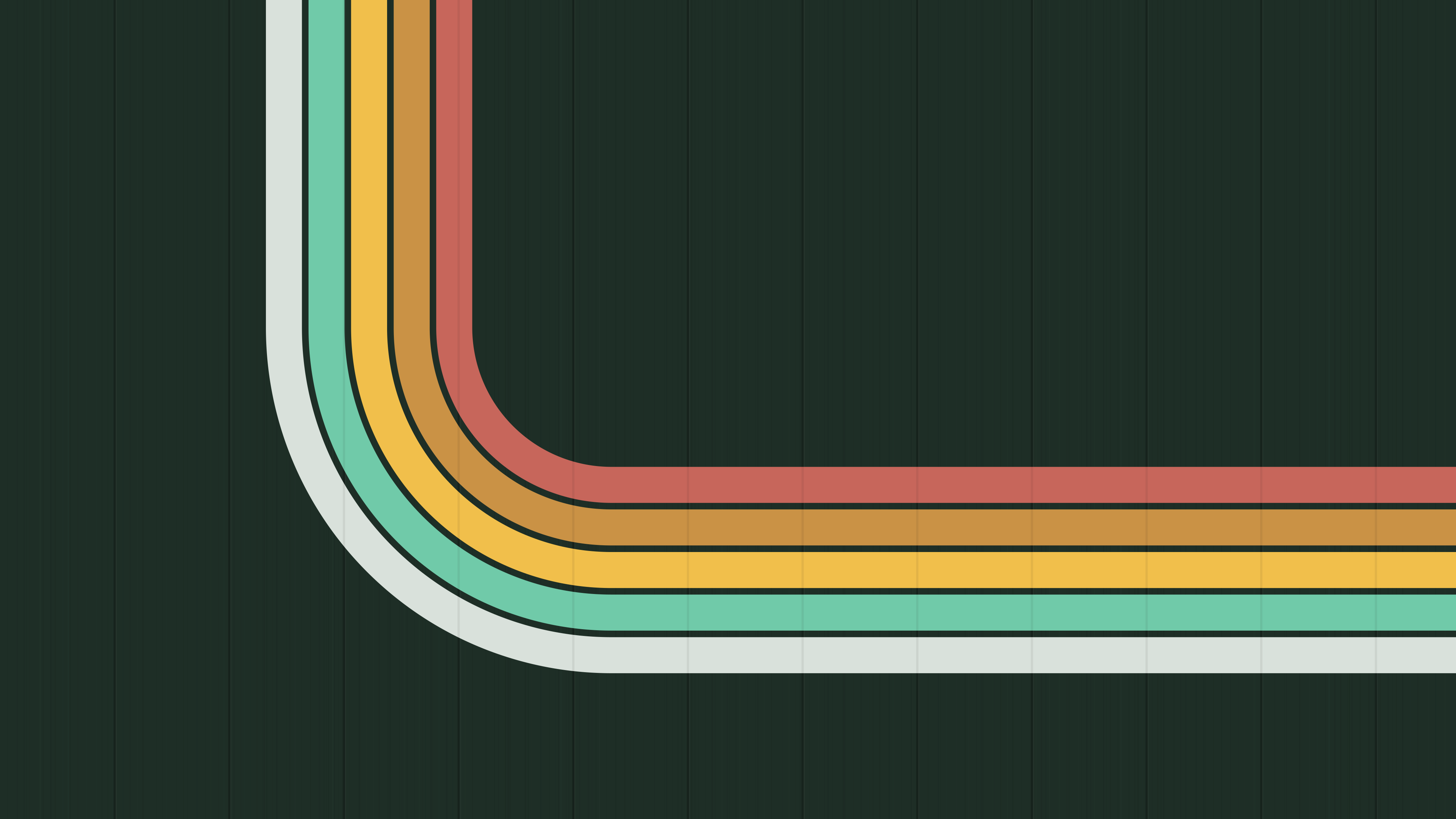
paris-guimard-stripes-16x10.svgsave as ~/Pictures/Subway Seat/paris-guimard-stripes-16x10.svgset it in GNOME's Settings › Appearance or KDE's Desktop and Wallpaper; macOS can't show SVGs, so use the PNG from assets/wallpapers (right-click › Set Desktop Picture)
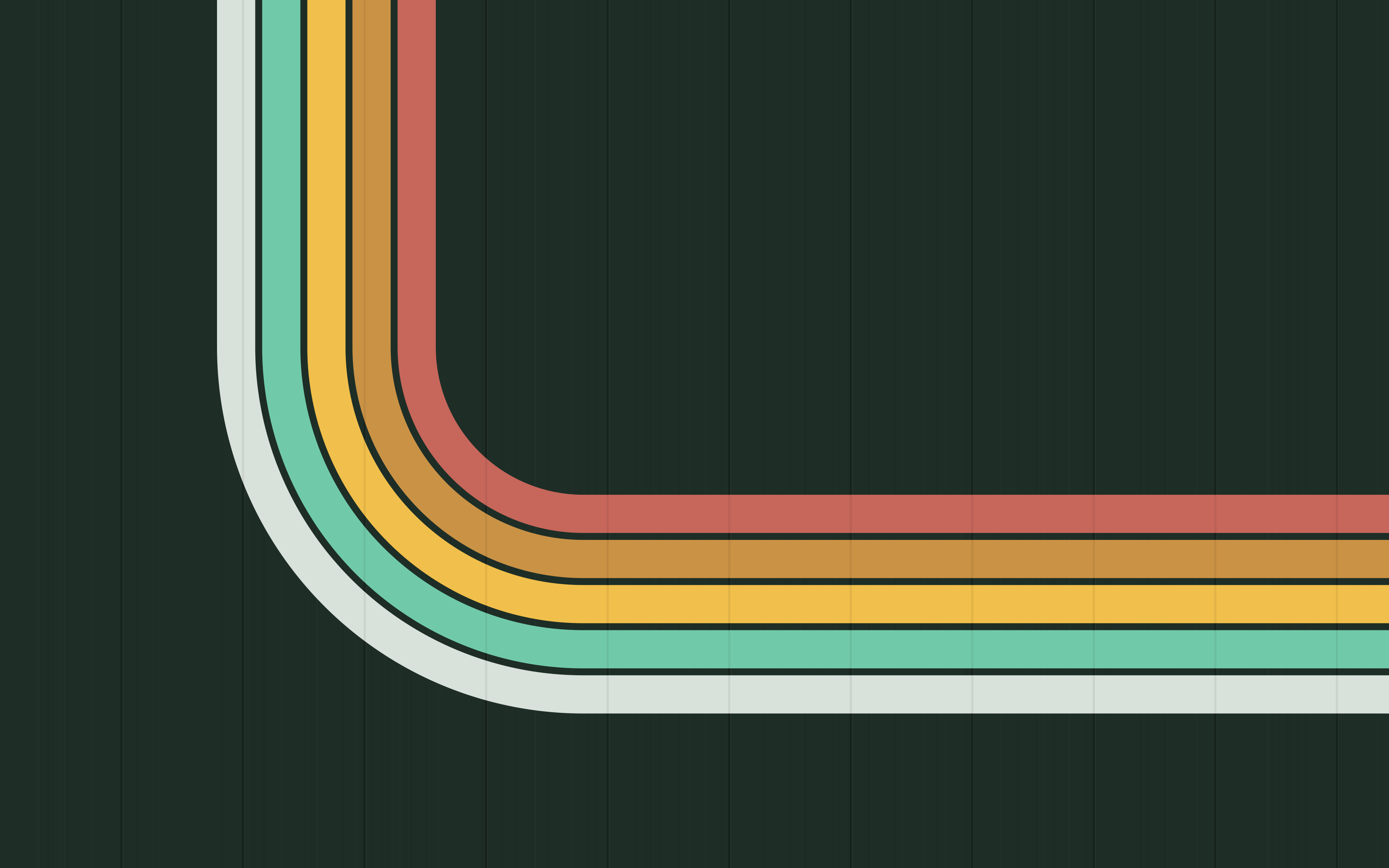
paris-guimard-stripes-phone.svgsave as ~/Pictures/Subway Seat/paris-guimard-stripes-phone.svgset it in GNOME's Settings › Appearance or KDE's Desktop and Wallpaper; macOS can't show SVGs, so use the PNG from assets/wallpapers (right-click › Set Desktop Picture)

paris-guimard-seats-16x9.svgsave as ~/Pictures/Subway Seat/paris-guimard-seats-16x9.svgset it in GNOME's Settings › Appearance or KDE's Desktop and Wallpaper; macOS can't show SVGs, so use the PNG from assets/wallpapers (right-click › Set Desktop Picture)
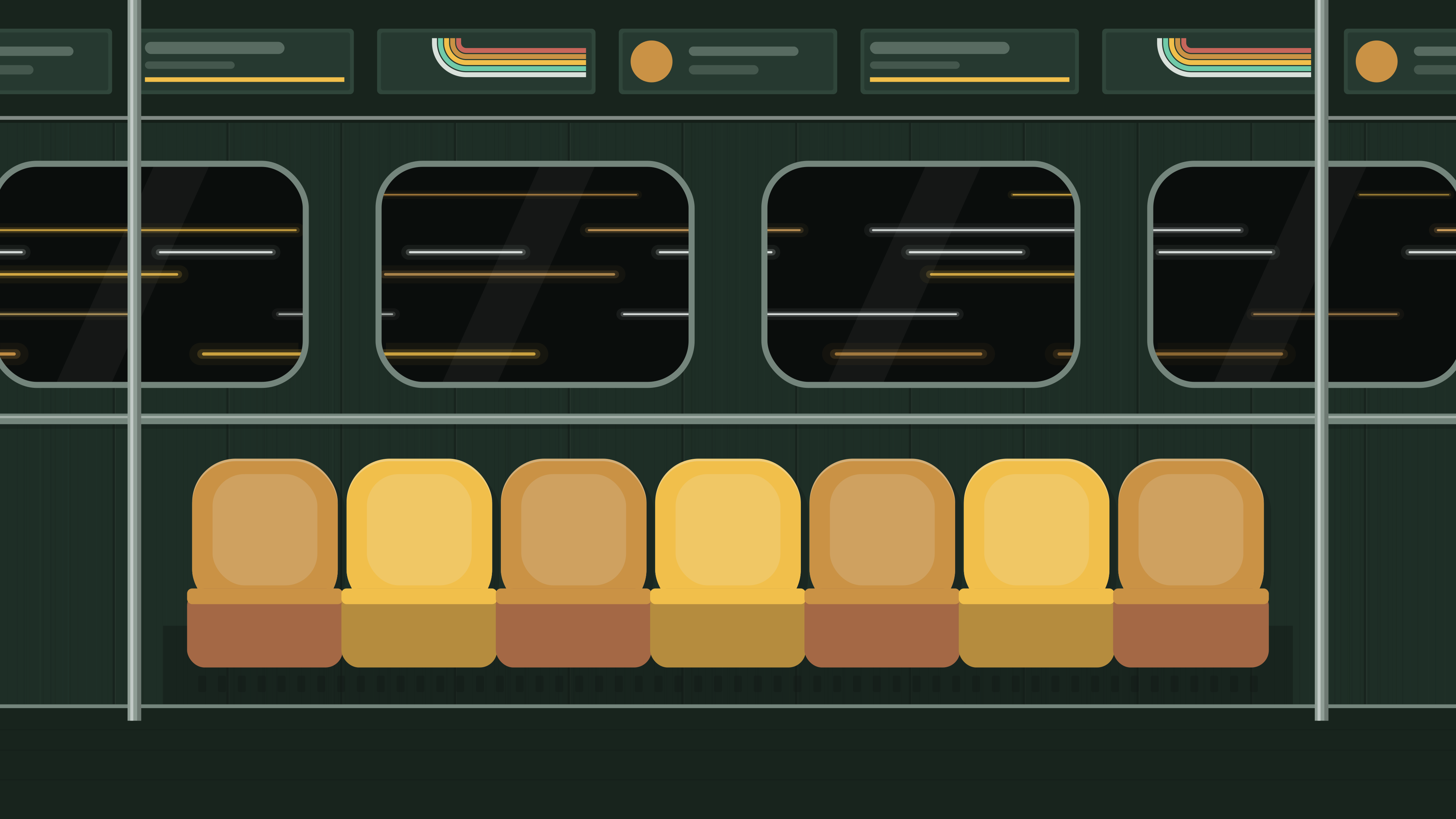
paris-guimard-seats-16x10.svgsave as ~/Pictures/Subway Seat/paris-guimard-seats-16x10.svgset it in GNOME's Settings › Appearance or KDE's Desktop and Wallpaper; macOS can't show SVGs, so use the PNG from assets/wallpapers (right-click › Set Desktop Picture)
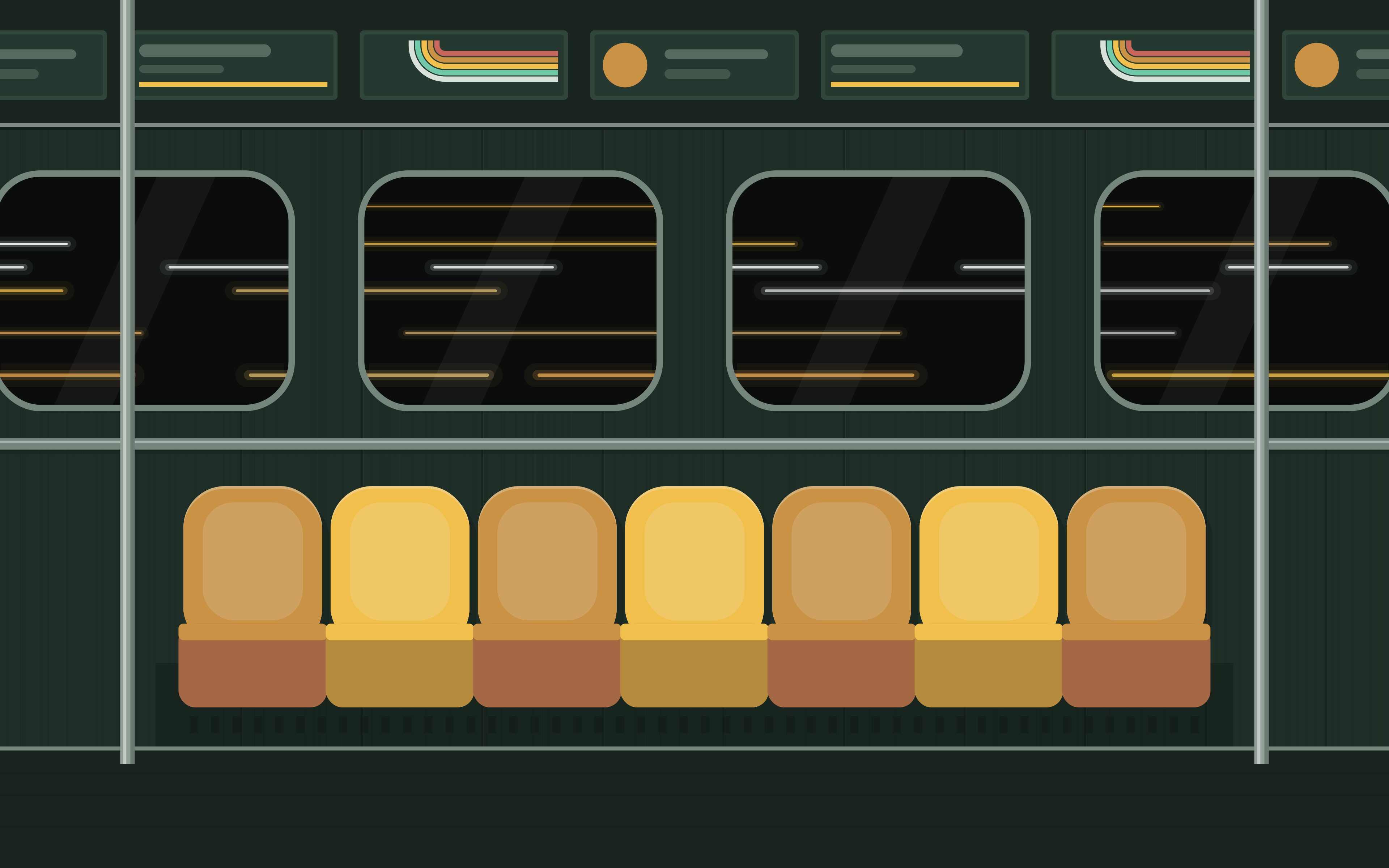
paris-guimard-seats-phone.svgsave as ~/Pictures/Subway Seat/paris-guimard-seats-phone.svgset it in GNOME's Settings › Appearance or KDE's Desktop and Wallpaper; macOS can't show SVGs, so use the PNG from assets/wallpapers (right-click › Set Desktop Picture)
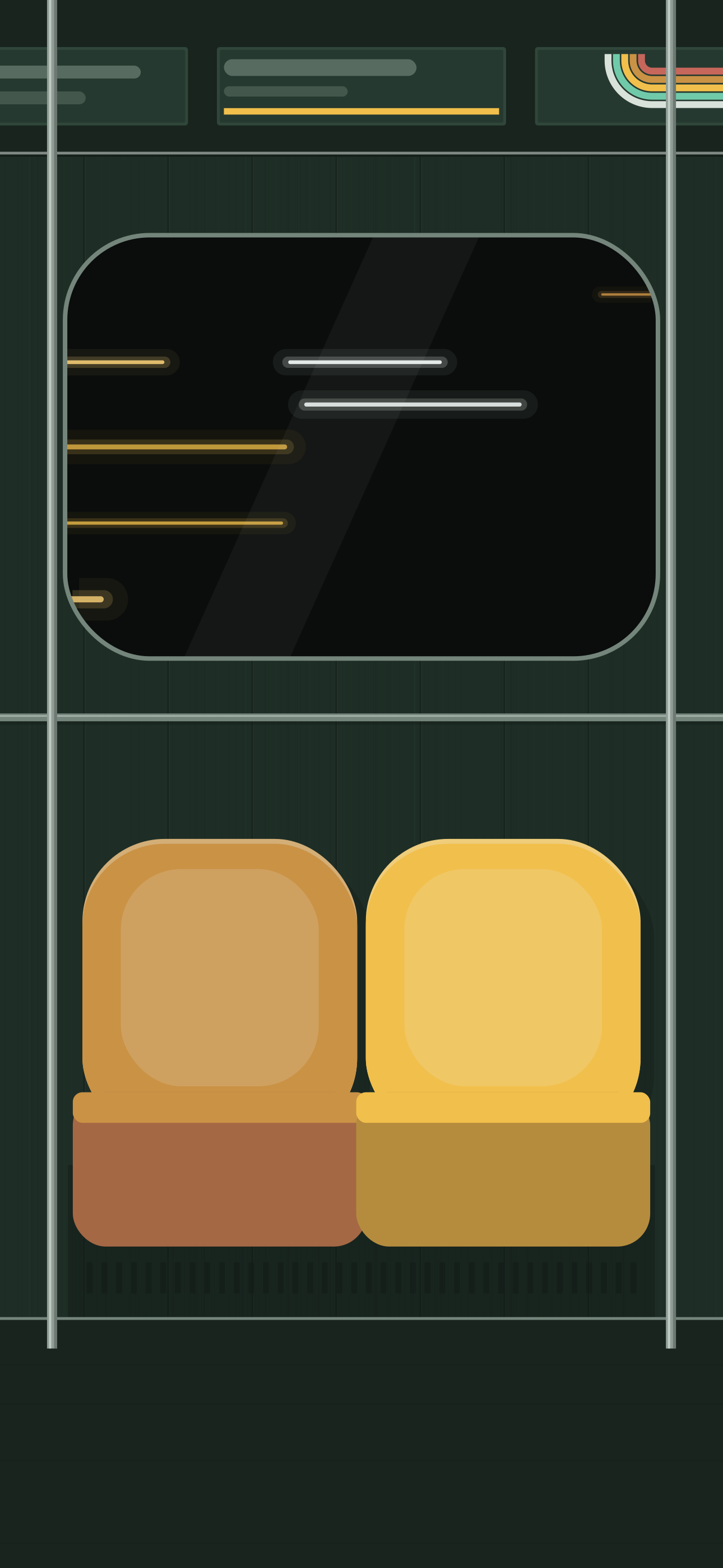
paris-catacombes-stripes-16x9.svgsave as ~/Pictures/Subway Seat/paris-catacombes-stripes-16x9.svgset it in GNOME's Settings › Appearance or KDE's Desktop and Wallpaper; macOS can't show SVGs, so use the PNG from assets/wallpapers (right-click › Set Desktop Picture)
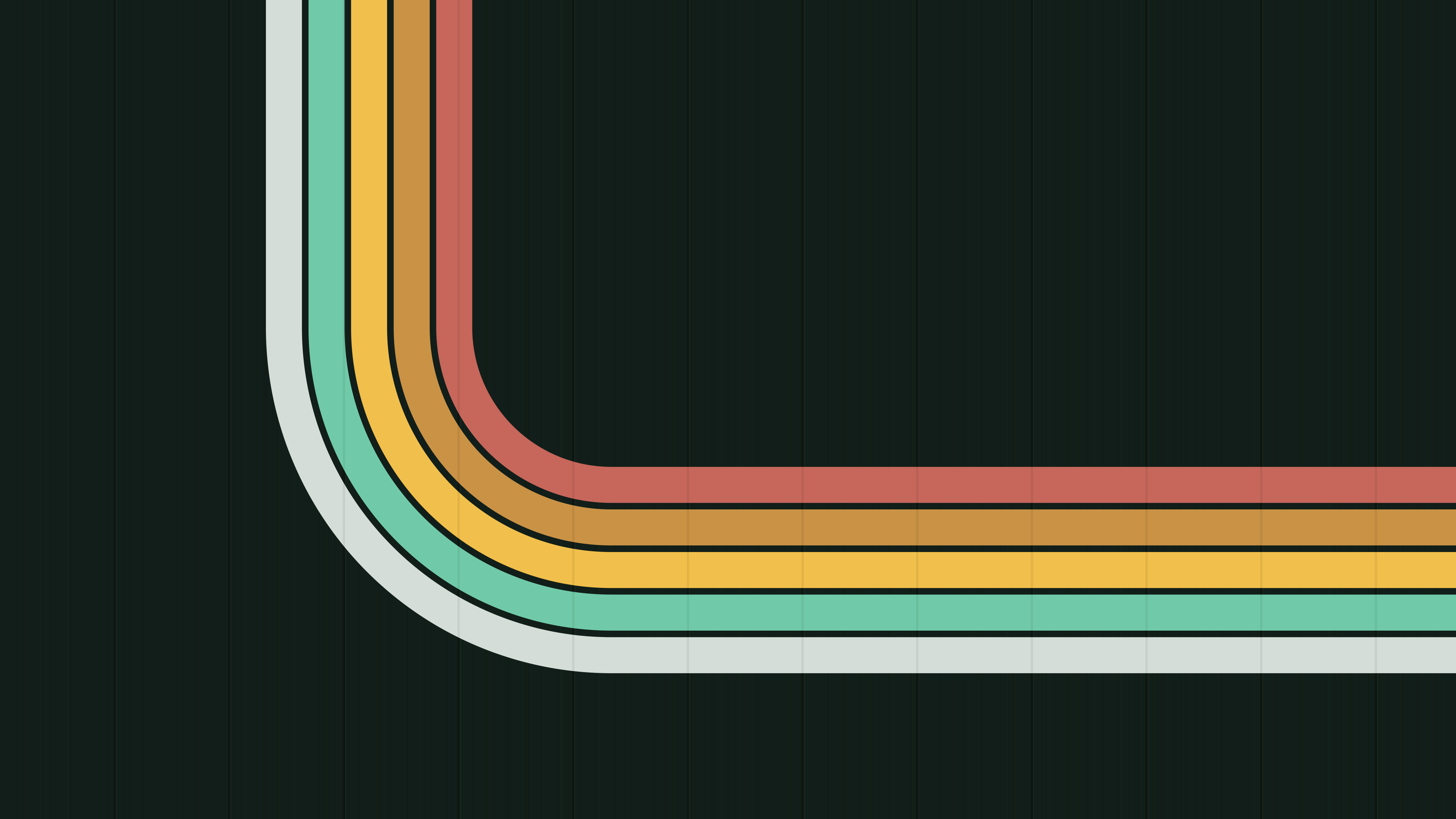
paris-catacombes-stripes-16x10.svgsave as ~/Pictures/Subway Seat/paris-catacombes-stripes-16x10.svgset it in GNOME's Settings › Appearance or KDE's Desktop and Wallpaper; macOS can't show SVGs, so use the PNG from assets/wallpapers (right-click › Set Desktop Picture)
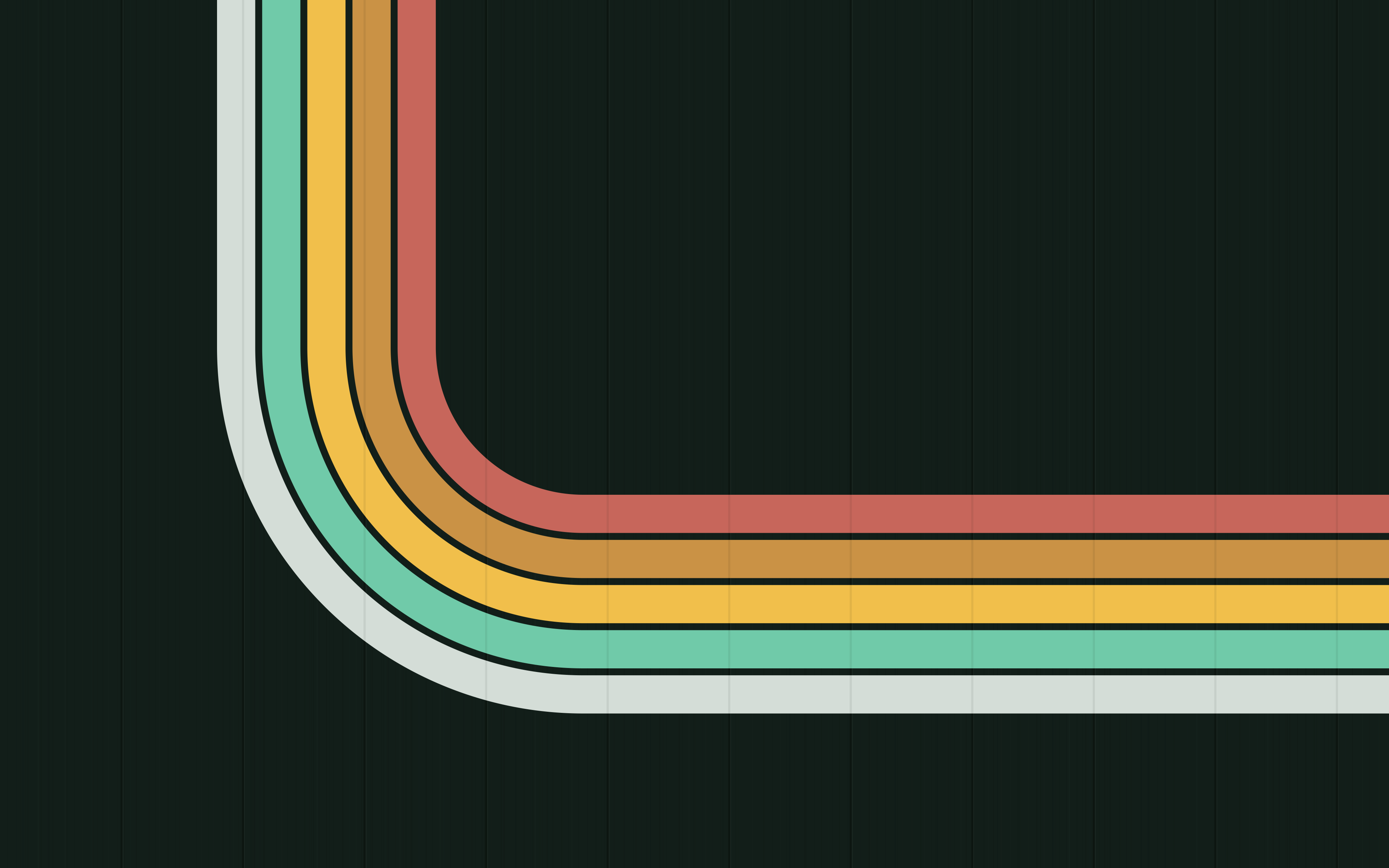
paris-catacombes-stripes-phone.svgsave as ~/Pictures/Subway Seat/paris-catacombes-stripes-phone.svgset it in GNOME's Settings › Appearance or KDE's Desktop and Wallpaper; macOS can't show SVGs, so use the PNG from assets/wallpapers (right-click › Set Desktop Picture)

paris-catacombes-seats-16x9.svgsave as ~/Pictures/Subway Seat/paris-catacombes-seats-16x9.svgset it in GNOME's Settings › Appearance or KDE's Desktop and Wallpaper; macOS can't show SVGs, so use the PNG from assets/wallpapers (right-click › Set Desktop Picture)
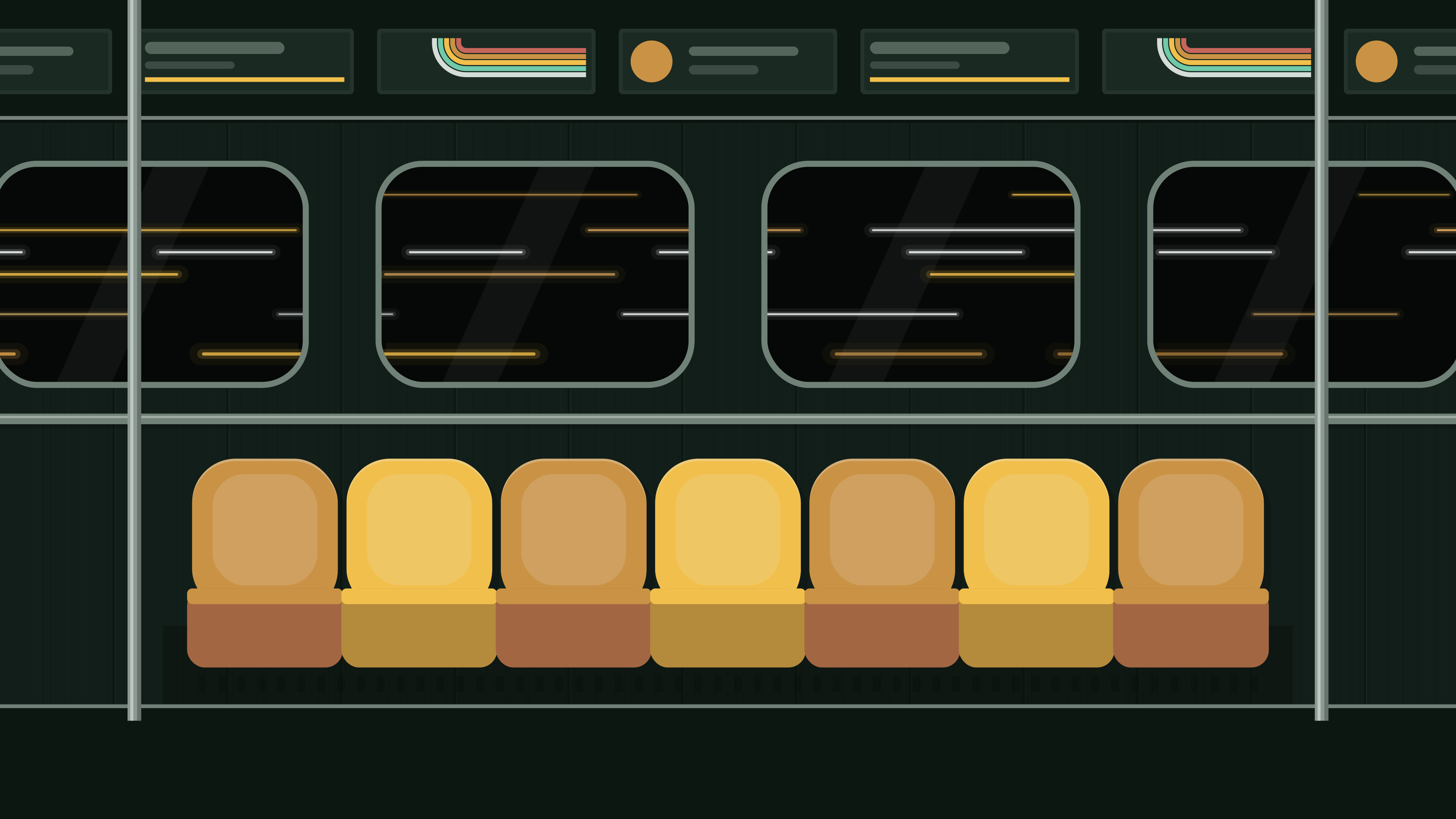
paris-catacombes-seats-16x10.svgsave as ~/Pictures/Subway Seat/paris-catacombes-seats-16x10.svgset it in GNOME's Settings › Appearance or KDE's Desktop and Wallpaper; macOS can't show SVGs, so use the PNG from assets/wallpapers (right-click › Set Desktop Picture)
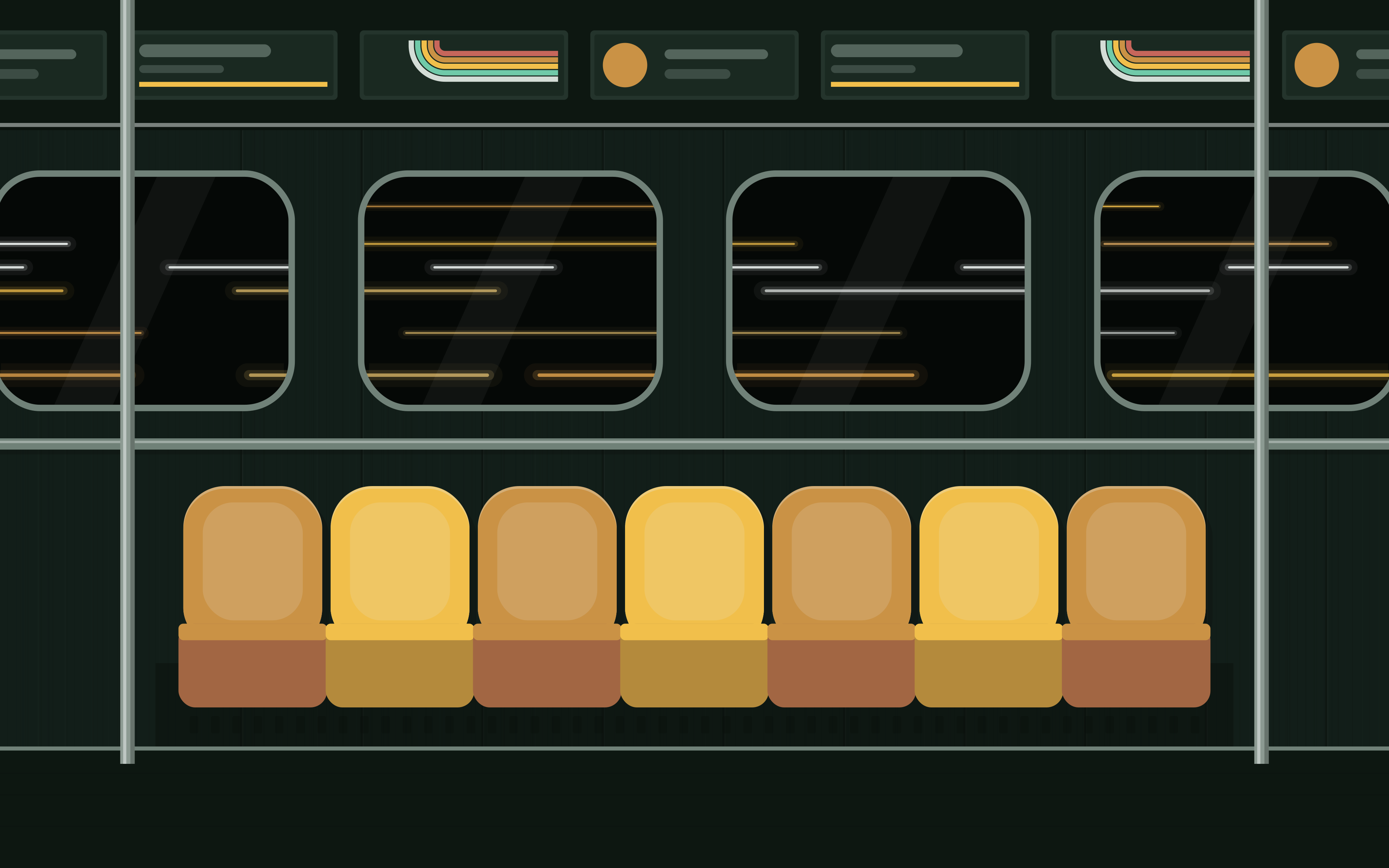
paris-catacombes-seats-phone.svgsave as ~/Pictures/Subway Seat/paris-catacombes-seats-phone.svgset it in GNOME's Settings › Appearance or KDE's Desktop and Wallpaper; macOS can't show SVGs, so use the PNG from assets/wallpapers (right-click › Set Desktop Picture)
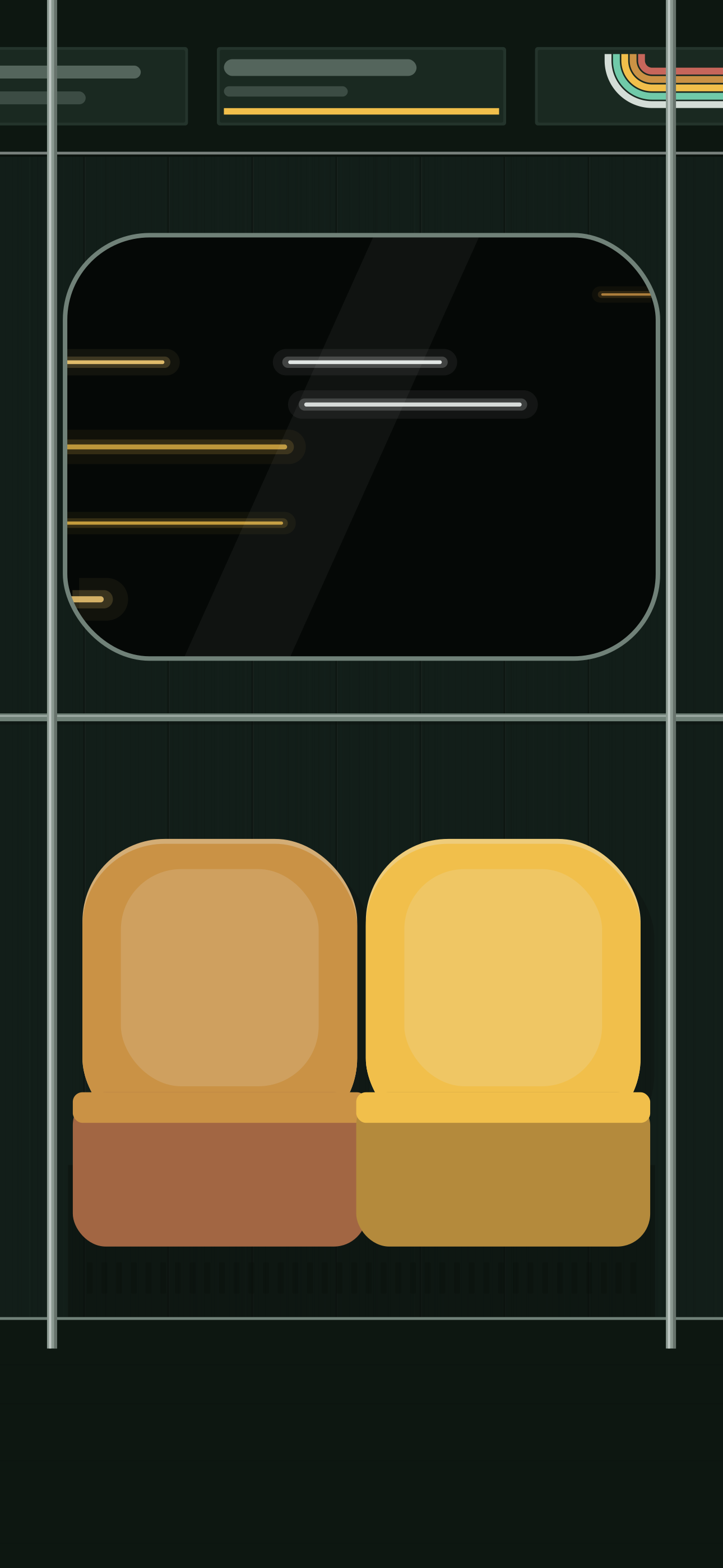
paris-carrelage-stripes-16x9.svgsave as ~/Pictures/Subway Seat/paris-carrelage-stripes-16x9.svgset it in GNOME's Settings › Appearance or KDE's Desktop and Wallpaper; macOS can't show SVGs, so use the PNG from assets/wallpapers (right-click › Set Desktop Picture)
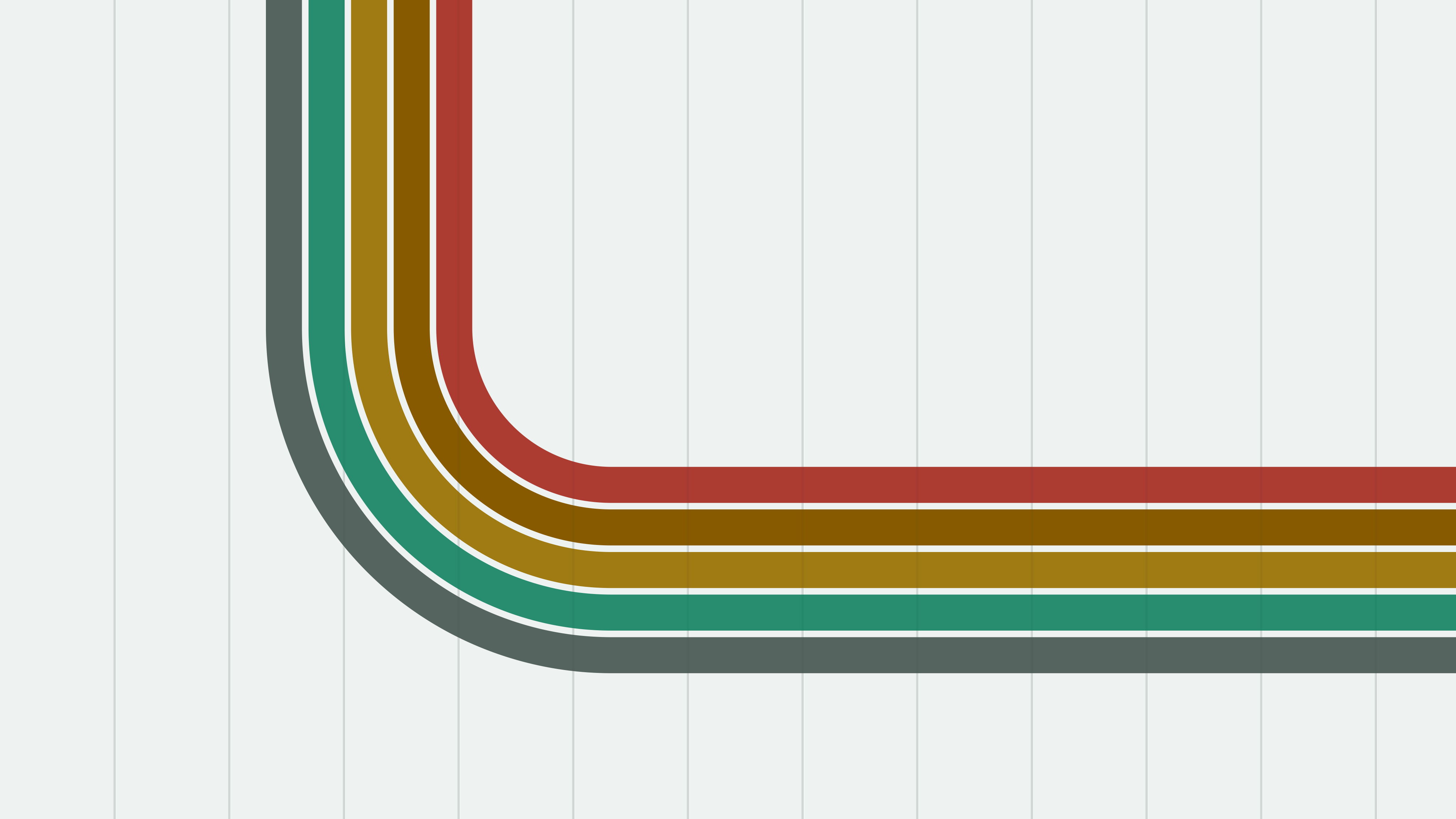
paris-carrelage-stripes-16x10.svgsave as ~/Pictures/Subway Seat/paris-carrelage-stripes-16x10.svgset it in GNOME's Settings › Appearance or KDE's Desktop and Wallpaper; macOS can't show SVGs, so use the PNG from assets/wallpapers (right-click › Set Desktop Picture)
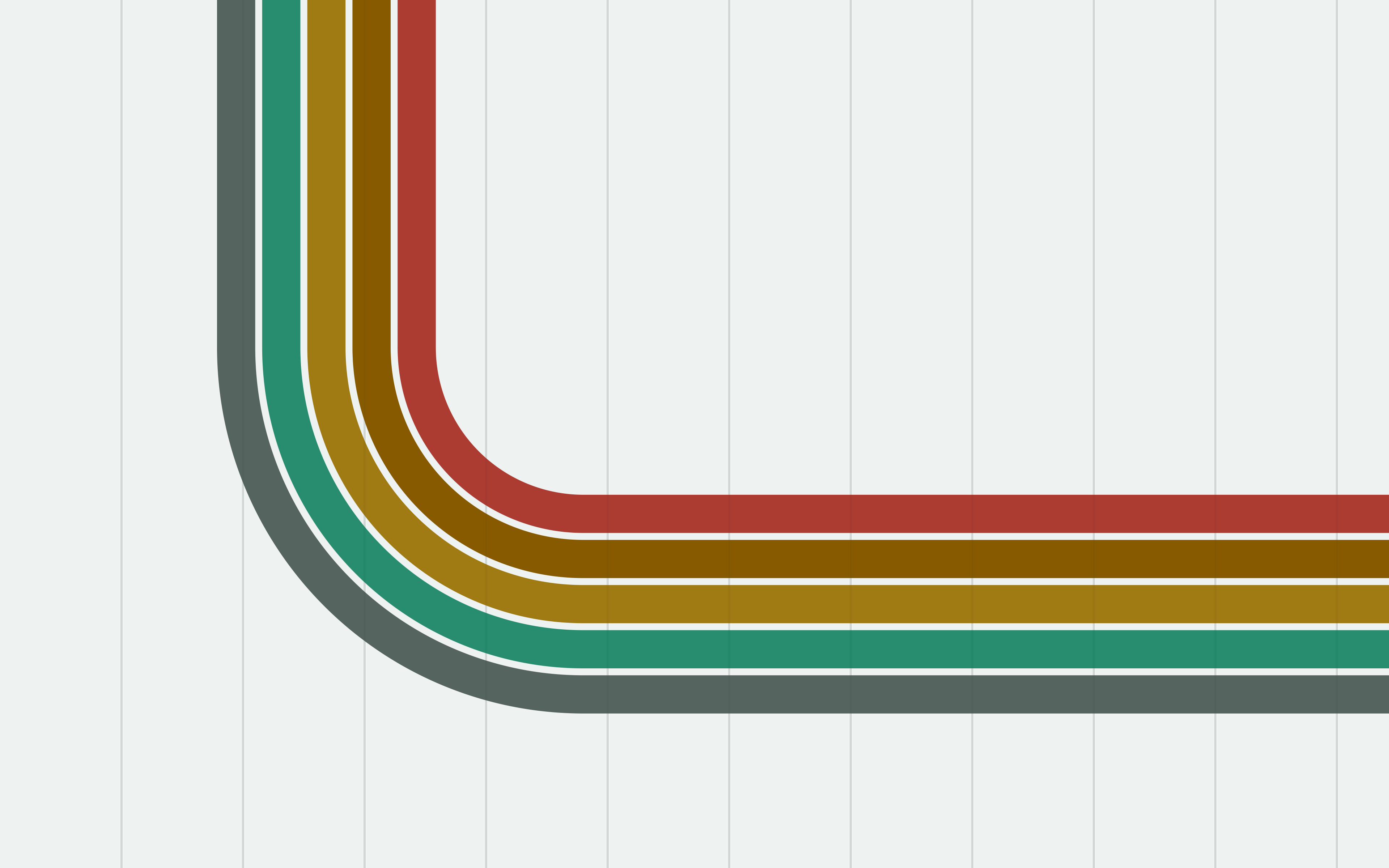
paris-carrelage-stripes-phone.svgsave as ~/Pictures/Subway Seat/paris-carrelage-stripes-phone.svgset it in GNOME's Settings › Appearance or KDE's Desktop and Wallpaper; macOS can't show SVGs, so use the PNG from assets/wallpapers (right-click › Set Desktop Picture)
paris-carrelage-seats-16x9.svgsave as ~/Pictures/Subway Seat/paris-carrelage-seats-16x9.svgset it in GNOME's Settings › Appearance or KDE's Desktop and Wallpaper; macOS can't show SVGs, so use the PNG from assets/wallpapers (right-click › Set Desktop Picture)
paris-carrelage-seats-16x10.svgsave as ~/Pictures/Subway Seat/paris-carrelage-seats-16x10.svgset it in GNOME's Settings › Appearance or KDE's Desktop and Wallpaper; macOS can't show SVGs, so use the PNG from assets/wallpapers (right-click › Set Desktop Picture)
paris-carrelage-seats-phone.svgsave as ~/Pictures/Subway Seat/paris-carrelage-seats-phone.svgset it in GNOME's Settings › Appearance or KDE's Desktop and Wallpaper; macOS can't show SVGs, so use the PNG from assets/wallpapers (right-click › Set Desktop Picture)